Use DeepFloyd To Create Actual English Text Within AI!
Tired of AI gibberish in your generated images? Learn how to use DeepFloyd on Runpod to generate real English text within images, with guidance from Bill.
If you've ever tried to generate text in images in packages like Stable Diffusion, you're probably familiar with the positively haunting facsimile of language it manages to produce. It looks so much like it could be a real language, and ultimately manages to be gibberish - something like you might actually see in a dream.
As entertaining as it can be at times, it's probably not what you want to see in a serious art project. Runpod is proud to offer a solution through DeepFloyd, as portrayed in a new video by Bill Meeks, which can be run directly within a pod on the platform.
Setting up DeepFloyd on Runpod
First, you'll need to download a customized Jupyter notebook created by Bill Meeks, which can be found here.
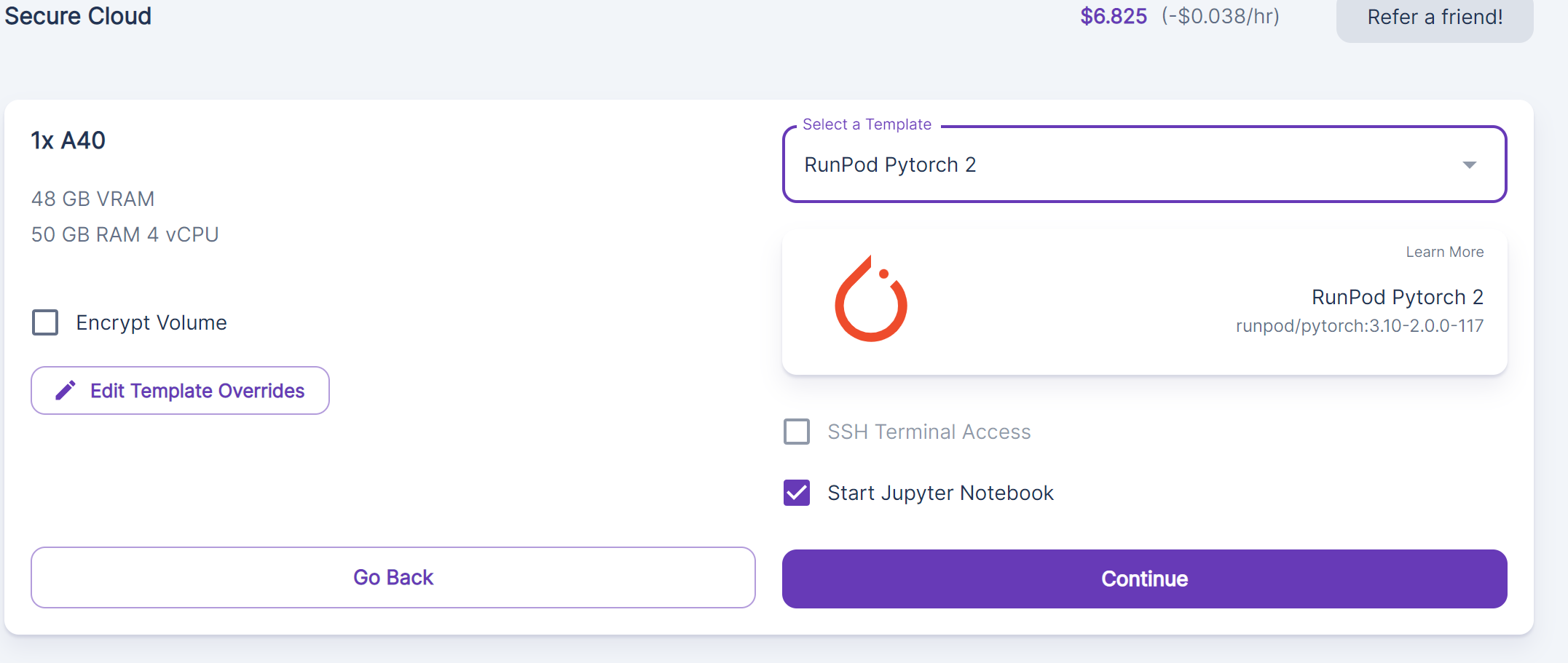
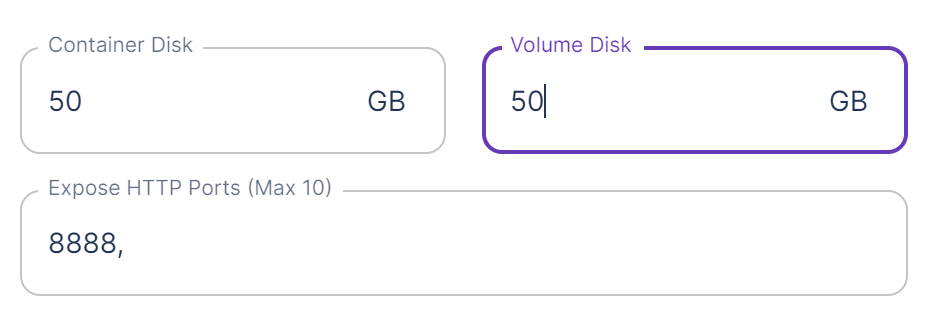
Then, you'll want to spin up a reasonably powerful pod (such as an A40, at the very least) and create it using the Pytorch 2 template. Even an A40 will take a few minutes per image set, so you'll want to use a healthy GPU to be sure that you don't run into CUDA errors or other delays. You'll also want to edit the template override and give the pod at least 50gb for both the volume and the container.
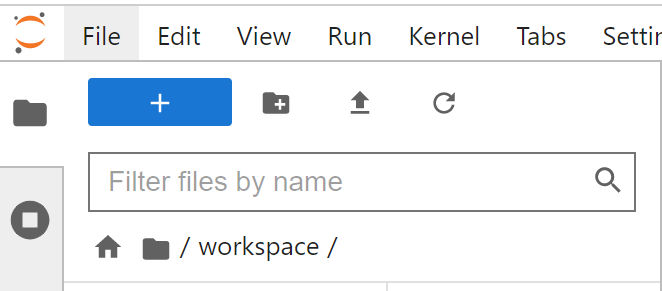
Once you have the Jupyter notebook loaded, upload the custom notebook that you downloaded earlier by clicking the upward facing arrow in the upper left corner.
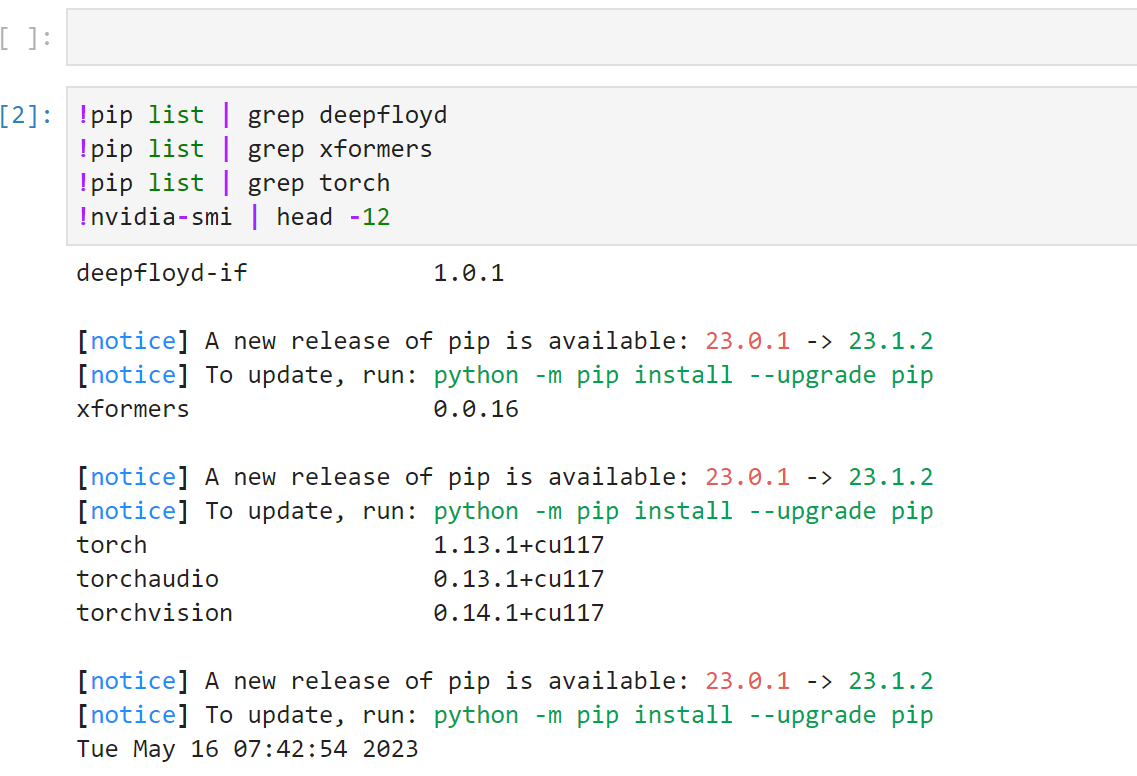
Then, run through each cell in the notebook by pressing Ctrl+Enter, moving to the next one after they complete.
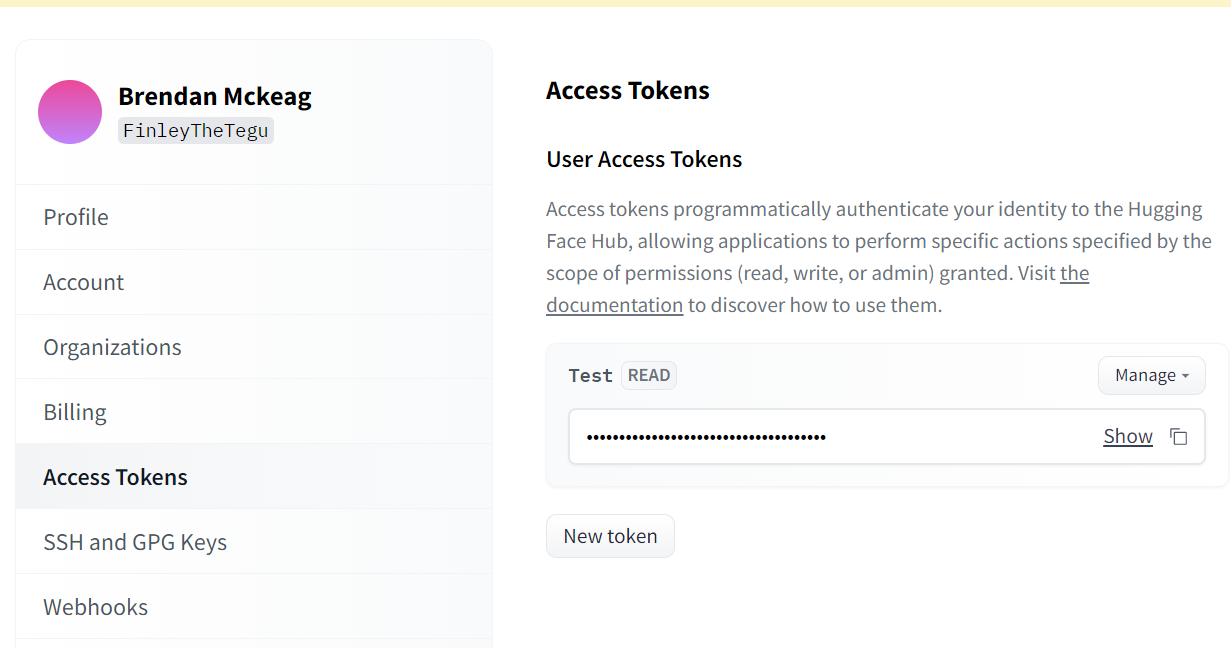
If you are prompted for a Huggingface token, you can create one under the Settings -> Access Tokens page on HF. You'll also need to go to the DeepFloyd page and accept their licensing agreement.
Running the model
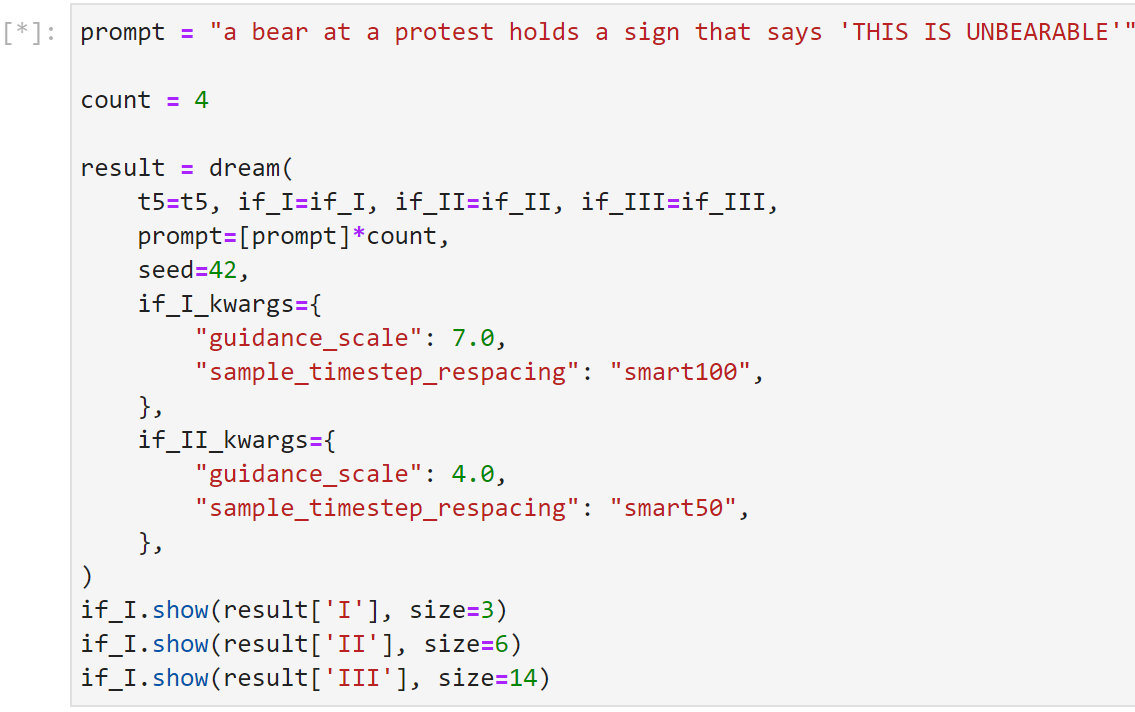
To run the model, scroll down further into the notebook past the initial setup and you'll see several cells where you can go in and change the text in the image.
As with Stable Diffusion in general, the goal should be to get an image that is close to what you are looking for, and then let manual editing carry you through any curveballs that it may throw in your way. It'll likely take a few iterations to get close to where you want to be, but it can get pretty darn close on its own with some patience.
Don't forget to check out Bill's very in depth Youtube guide for further insights on how to run DeepFloyd on Runpod!
What's new in Runpod Serverless: Faster cold starts, batch inference, and no-Docker deploys
Whether you're already running production endpoints on Runpod or you're sizing us up for the first time, here's a plain-language tour of what Runpod Serverless does today, why it's faster and cheaper than it was six months ago, and how to deploy your first endpoint in minutes.
Beyond the Notebook: The Engineering Realities of Production AI Agents
Shift from stateless inference to stateful architectures to resolve infrastructure bottlenecks like memory management, concurrency limits, and runaway jobs in production AI agents.





.jpeg)