.jpeg)
How Runpod Serverless billing works when a job fails to complete
Why your balance can drop even when nothing succeeds, how to find where the money went, and how to keep it from happening again.
All
 Skip to main content
Blog
Runpod’s GitHub integration lets you deploy endpoints directly from a repo, no Dockerfile or manual setup required. Here's how it works.


Runpod is pleased to announce its latest feature aimed at making the lives of developers easier: GitHub integration! Previously, Docker images were the primary method of deploying endpoints, and while this is still functional and useful, requires a number of intermediary steps. Now, with GitHub integration you can deploy directly from a repo without having to download the repo, build a Dockerfile, or push to Docker Hub.
Be aware that while this feature is still technically in beta and there may be some kinks to work out, we're just too excited to keep this to ourselves and wanted to share the magic with you.
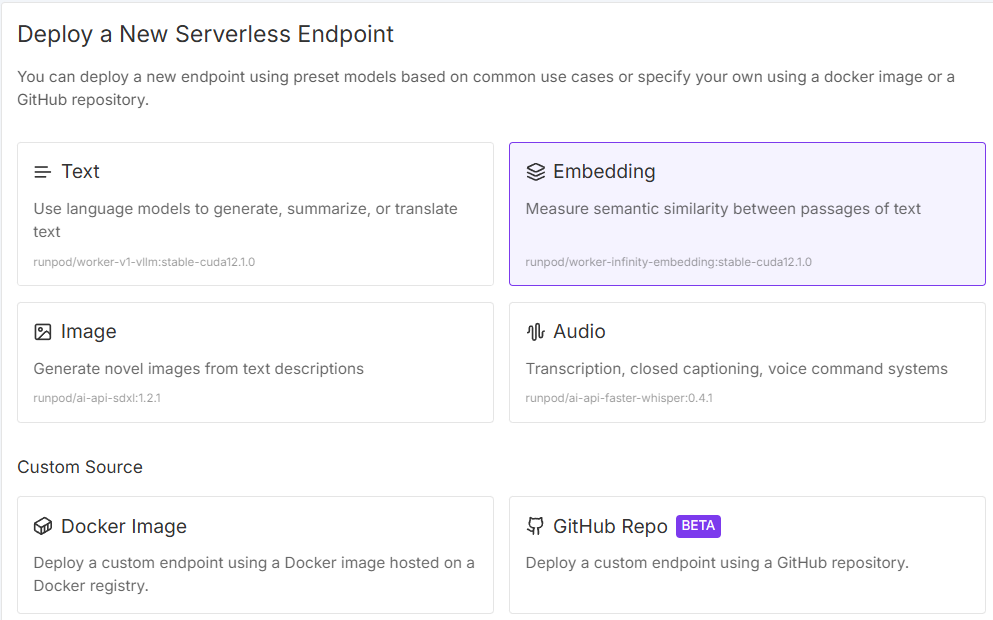
Go to your Deploy a New Serverless Endpoint page, and click Github Repo in the lower right.
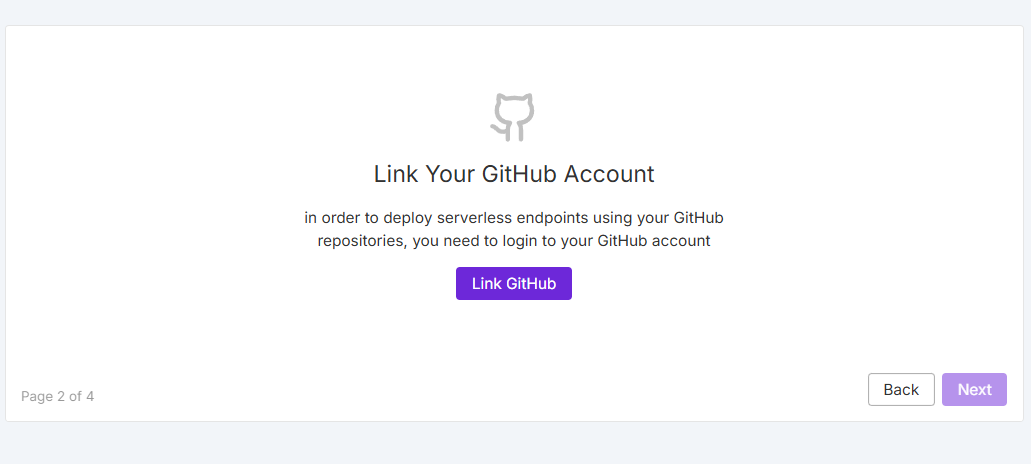
You'll be prompted to log into your GitHub account.
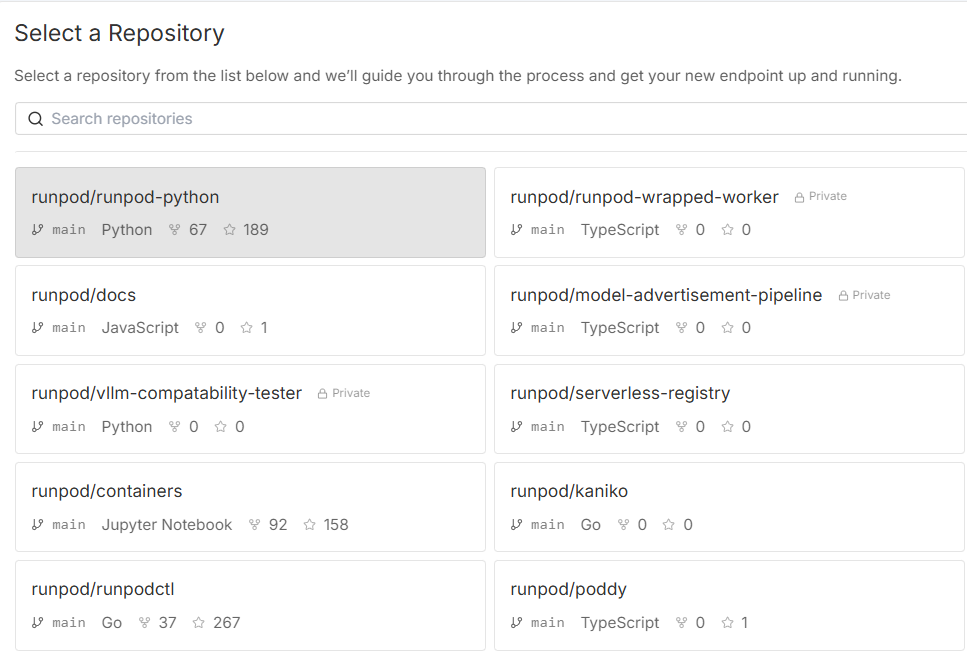
Once authorized, you'll see your list of eligible repositories:
From here on out, it's just like setting up an endpoint normally:
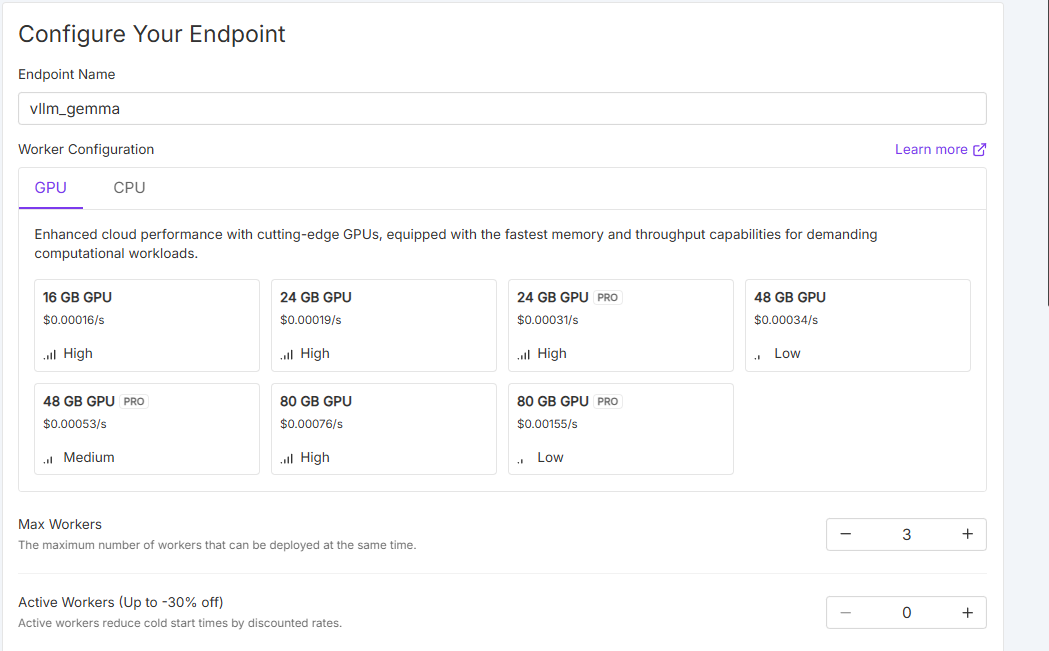
At that point, the image will need to build from the repo, which should just take a few minutes. Note that container building is available on CPU instances only; meaning that you won't be able to build against a specific GPU spec at this time. Runpod plans to support building containers on GPU instances in the future.
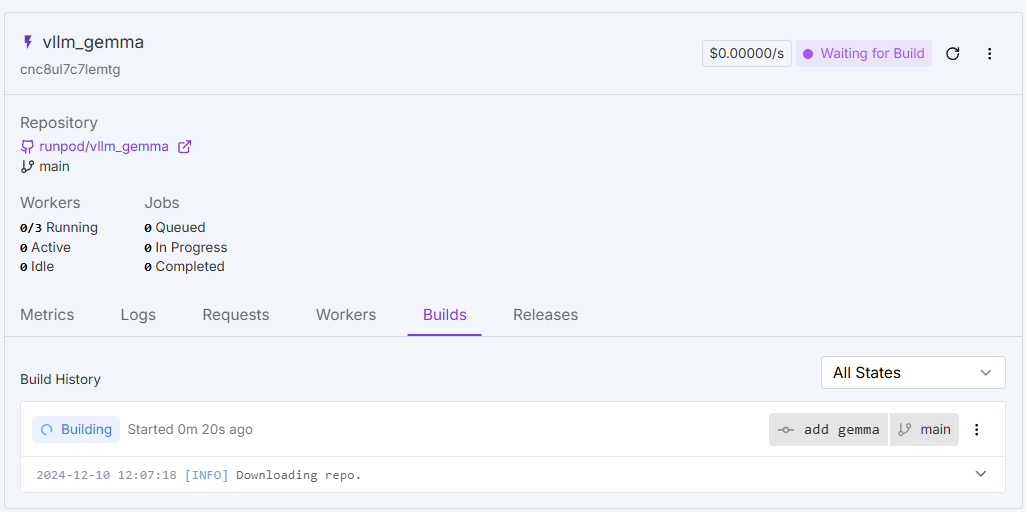
The benefit of this system is it takes all of the busywork out of creating Docker images to run on Runpod. Although the build process will take some time, it's a one-click solution that allows you to move directly from repo to running image without the hassle of installing Docker locally, building it to Runpod's specs, etc. This allows you to focus on your mission and get back to what truly matters. Developers no longer need to write and maintain Dockerfiles for each project, debug Docker build syntax issues, or spend time learning Docker best practices for optimized builds. This alone can save hours of configuration and maintenance time.
It also prevents the classic "works on my machine" problems that can waste hours of debugging time. Since everyone uses identical containers that are automatically built, there's no time spent tracking down environment mismatches or manually managing container versions across the team. By standardizing and streamlining the process, you reduce overhead, errors, and unproductive time.
Here's a quick video rundown of the process:
Runpod wants to help developers accomplish their work that matters. We're excited to provide an environment that reduces friction in your workflow and lets you focus on iteration and accomplishing your mission.
If you have any questions about how this feature might work, please reach out to us via support or Discord!
Author profile: Brendan McKeag
Blog Posts