
Table of Contents
- Why GPU Pricing Makes No Sense (And It's Not Just You)
- How Big Tech Plays Pricing Games With Your Money
- How to Stop Getting Ripped Off on GPU Bills
- The Scrappy Alternatives Fighting Back Against Big Cloud
TL;DR
- Cloud GPU pricing is like ordering coffee at a fancy café - what should be simple somehow involves 47 different variables
- On-demand rates will absolutely murder your budget, running 2-3x higher than reserved instances (but hey, at least you get instant access while going broke)
- Where you run your stuff matters more than you think - we're talking 20-40% cost differences just for picking the wrong region
- AWS charges premium prices because they can, while Google desperately tries to undercut them with better deals
- Spot instances offer insane savings (50-90% off) but can disappear faster than your motivation on Monday morning
- Those specialized GPU providers everyone's talking about? They're often way cheaper than the big guys for AI work
- Serverless GPU is like Uber for compute - no usage, no bill. Revolutionary concept, right?
The cloud GPU market has turned into an absolute nightmare for anyone trying to build AI stuff without going bankrupt. With budget-friendly options starting at just $0.04/hour for basic GPUs GetDeploying, while premium instances can cost hundreds of dollars per hour, figuring out this pricing maze has become a survival skill for teams building AI apps.
Why GPU Pricing Makes No Sense (And It's Not Just You)
I've watched countless teams get buried in spreadsheets trying to figure out why their GPU bill tripled overnight. What should be straightforward - "I need some compute power" - turns into navigating a maze where providers use every trick in the book to squeeze money out of different types of customers.
Here's the thing: it starts innocently enough. You just need to train a model or run some inference. How hard can it be? Three hours later, you're drowning in documentation, trying to figure out the difference between p3.2xlarge and p3dn.24xlarge, wondering if you need a computer science degree just to rent a server.
The Three-Tier Pricing Circus
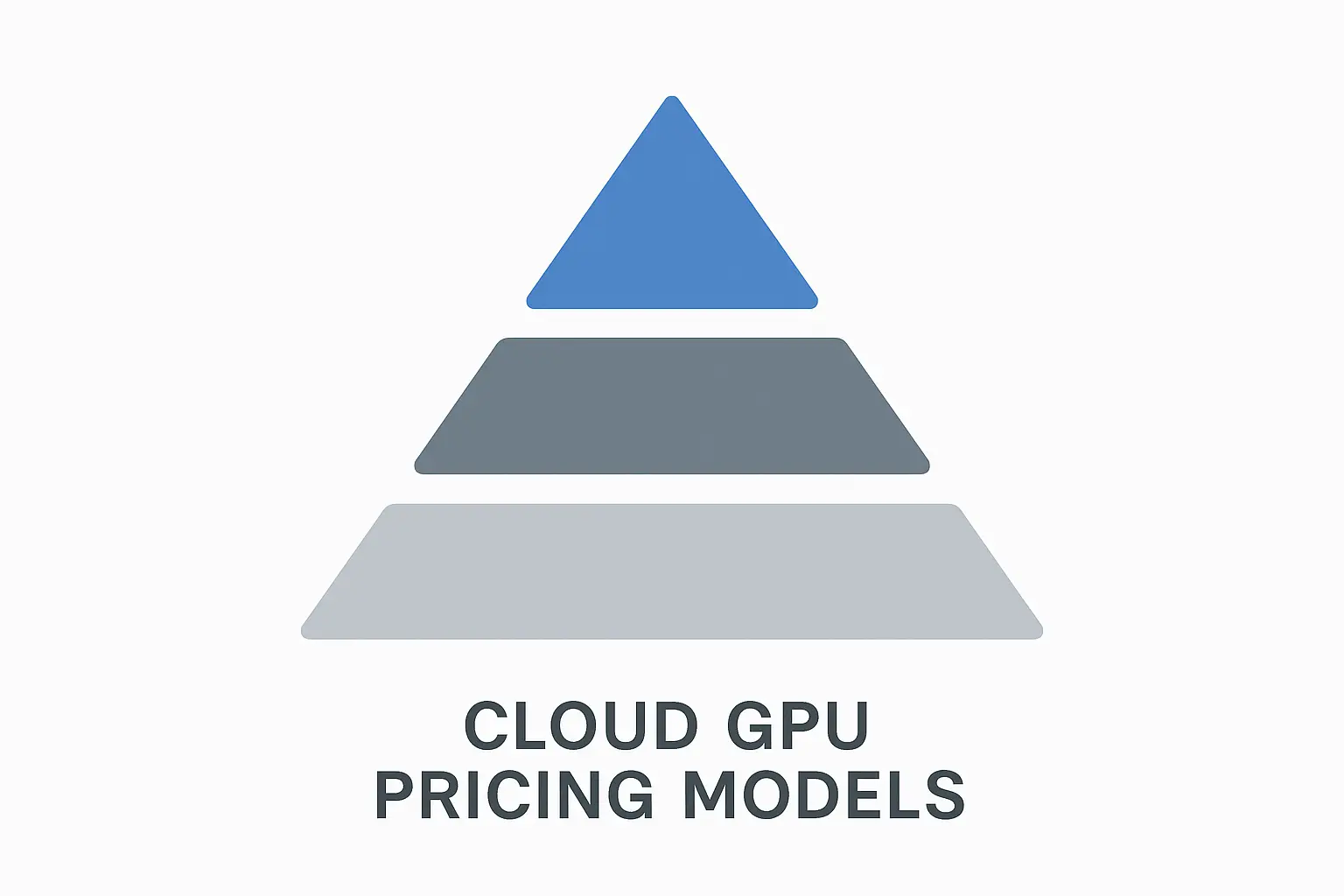
Cloud providers have turned GPU pricing into a three-ring circus where you get to juggle your budget, actually getting the GPUs you need, and not getting locked into terrible contracts. Each pricing tier serves different customers, and surprise - none of them are designed to save you money.
For teams trying to make sense of this mess, understanding spot vs on-demand instances can reveal why your bills are so unpredictable and what you can actually do about it.
On-demand pricing is like Uber surge pricing, but for servers. You get instant access to GPU resources without any commitment, which sounds great until you see the bill. You're paying premium rates (often 2-3x more than reserved instances) for the privilege of not planning ahead.
Real talk: on-demand makes sense when you need resources immediately or have completely unpredictable usage. But if you're running this for more than a few days, you're basically lighting money on fire.
Reserved instances are the Costco membership of cloud computing. You pre-pay for capacity over 1-3 years and get decent discounts in return. The catch? You're locked into specific hardware and locations, and if your needs change, tough luck.
Spot instances are like Priceline for GPUs - great deals on unused resources, but your "hotel room" might get given away with minimal notice when someone willing to pay full price shows up.
The pricing landscape keeps shifting too. AWS recently cut prices up to 45% on P4 and P5 GPU instances Network World, which sounds generous until you realize they were probably overcharging by 45% to begin with.
When Paying Premium Actually Makes Sense
Look, sometimes you need to pay the on-demand premium, and that's okay. When you're testing ideas, dealing with urgent projects, or have completely unpredictable resource needs, the higher hourly cost beats the alternative of missing deadlines or opportunities.
Think about it this way: you're not just buying compute time - you're buying insurance against capacity constraints and the flexibility to scale up or down without penalty. For time-sensitive projects or proof-of-concept work, this premium often pays for itself through faster time-to-market.
Development teams live on on-demand instances during the experimentation phase. You can spin up powerful GPUs for model testing, then shut them down immediately when done. Sure, you're paying $6.98/hour instead of $2.50, but when you're only using it for short bursts, who cares?
Picture this: You're a startup founder with $50K in the bank. You need to prove your computer vision idea works before your next investor meeting. Do you really want to blow $2,345 on a two-week experiment? Maybe, if it's the difference between getting funded and going back to your day job.
The Spot Market Gamble
Spot pricing is where things get interesting (and by interesting, I mean potentially frustrating). You can get dramatic cost savings by using excess cloud capacity, but there's always the risk of sudden instance termination when someone with deeper pockets shows up.
Here's what actually works with spot instances: batch processing jobs that save their work regularly. Training runs that checkpoint progress can restart from interruptions without losing significant work. Data processing pipelines handle spot terminations well since they can restart individual tasks.
But here's the reality check - spot pricing reflects real-time supply and demand, which means it's about as predictable as the weather. During low-demand periods, you might score high-end GPUs for pennies on the dollar. When demand surges (hello, business hours and AI conferences), prices spike and your instances vanish.
Hardware Tiers That Actually Matter
GPU pricing isn't just about time - it's about what hardware you're renting. The performance-to-price relationship is all over the map, and understanding these differences can save you from overpaying for capabilities you don't need.
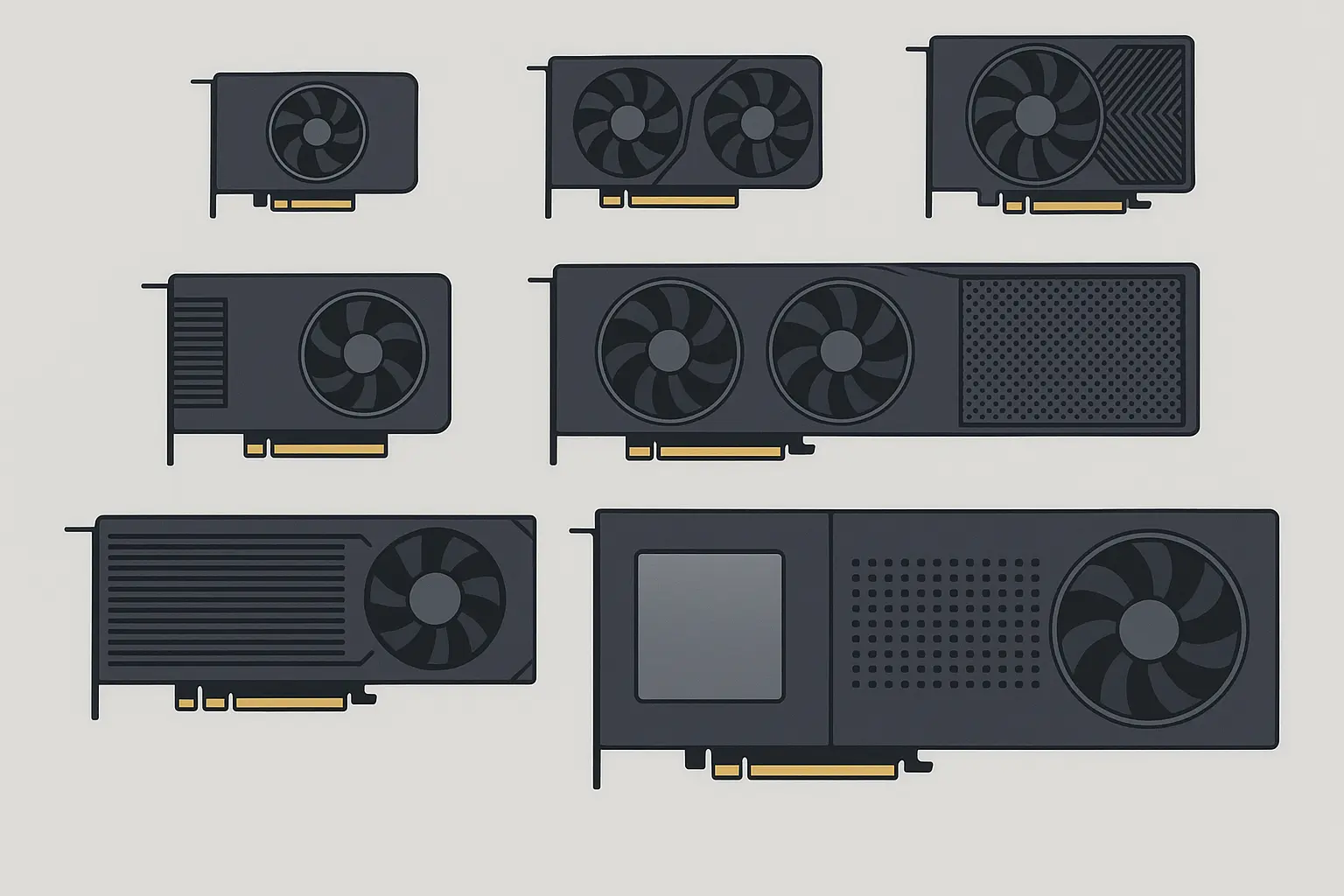
Consumer-grade GPUs are the sweet spot for many AI tasks. RTX 4090s pack serious compute power at reasonable hourly rates, making them perfect for inference workloads and smaller training jobs. The catch? Limited memory (24GB) means you can't run the really big models.
Enterprise GPUs cost way more per hour, but there's a reason. A100s and H100s come with massive memory capacity (40-80GB), better reliability, and optimizations for running 24/7 in data centers. They excel at training large language models, but you'll feel it in your wallet.
The memory wall is real and expensive. Running out of GPU memory forces you to use workarounds that can slow everything down significantly. Sometimes paying for higher-tier GPUs actually saves money by finishing jobs faster.
Get this - while AWS charges you $55+ per hour for H100 access, DataCrunch's comprehensive analysis shows "the current cost for the H100 on the DataCrunch Cloud Platform is just $1.99 per hour." Yeah, you read that right. Same GPU, 25x price difference.
Consumer vs Enterprise: The Real Deal
Consumer GPUs punch way above their weight class for price-performance. For inference serving, computer vision tasks, and smaller language models, they often deliver better value than enterprise alternatives. The trade-off? You get memory limitations and potentially higher failure rates in always-on operations.
Enterprise cards justify their premium through features you literally can't get elsewhere. ECC memory prevents silent data corruption during long training runs (ever had a model mysteriously perform worse after training for days? This might be why). NVLink lets multiple GPUs work together without the usual performance penalties.
Here's what you're actually looking at cost-wise:
| GPU Tier | Memory | What It's Actually Good For | Price Range/Hour |
|---|---|---|---|
| Consumer (RTX 6000 Ada) | 24–48GB | Testing ideas, inference, small models | $0.50–$2.00 |
| Professional (A100) | 40–80GB | Serious training, production workloads | $2.00–$6.00 |
| Enterprise (H100/H200) | 80–141GB | When money is no object | $6.00–$15.00+ |
Location, Location, Location (And Your Bank Account)
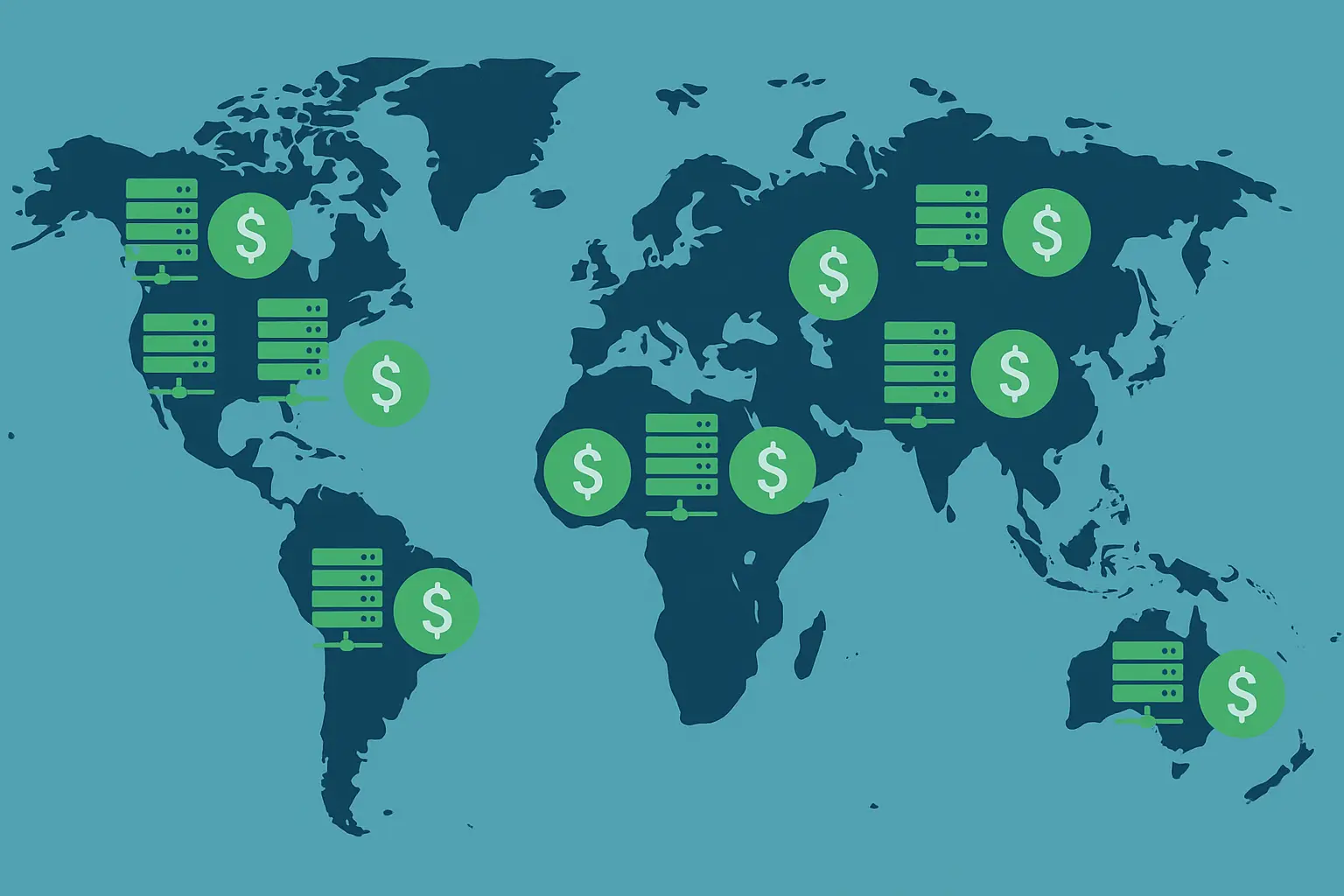
Oh, and here's a fun surprise - where you run your stuff matters. A lot. Like, "holy crap my bill just doubled" a lot. Regional pricing differences can hit 20-40% just because you picked the wrong data center location.
Data center costs drive these differences. Regions with expensive electricity, limited cooling, or high real estate costs pass those expenses straight to you. Meanwhile, areas with cheap renewable energy and favorable climates can offer real savings.
But wait, it gets worse - choosing distant regions for cost savings might backfire if latency kills your application performance. Real-time inference workloads particularly hate high network delays.
Why Infrastructure Costs Actually Matter
High-performance GPUs are power-hungry beasts. A single H100 can draw 700 watts under full load, and cooling systems often double the total power requirements. Regions with expensive electricity naturally charge higher rates to cover these operational costs.
Climate matters more than you'd think. Hot, humid environments need sophisticated cooling systems and see higher hardware failure rates. Cold climates reduce cooling costs but might need additional heating. It's like Goldilocks, but for servers.
The Latency vs Cost Trade-off
Selecting cheaper distant regions can significantly reduce GPU costs, but you might introduce latency penalties that make your application feel sluggish. It's a balancing act that requires understanding what your workload actually needs.
Latency sensitivity varies dramatically. Batch training jobs can tolerate higher latency since they process data in chunks. Interactive applications require low latency to keep users happy (and prevent them from rage-quitting your app).
Geographic distance isn't the only factor. Network routing, peering agreements between providers, and local internet infrastructure all matter. Sometimes a more distant region with better network connectivity outperforms a closer one with poor routing.
How Big Tech Plays Pricing Games With Your Money
AWS and Google have developed pricing strategies that reflect their market positions and how they want to extract maximum value from customers. AWS plays the premium enterprise game, while Google desperately tries to undercut them with better deals and more flexibility.

AWS: The "We're Enterprise So We Cost More" Strategy
Amazon Web Services has organized their GPU offerings into specialized families designed for specific workloads, with pricing that screams "we're the premium option and we know you'll pay it."
For a reality check on how much you might be overpaying, check out our Runpod vs AWS comparison which shows some eye-opening cost differences for AI inference workloads.
AWS organizes everything into instance families - P-series for machine learning, G-series for graphics workloads. Each family comes with specific configurations optimized for their intended use. Sounds organized, right? The problem is you can't mix and match components independently.
This bundling approach often leads to over-provisioning some resources while getting exactly what you need for others. Want a high-end GPU with modest CPU? Too bad, you're getting the whole expensive package.
The numbers tell the story: AWS currently offers the H100 only in 8-GPU instances at a price of $55.04 per hour DataCrunch. That's positioning themselves at the premium end while specialized providers offer the same hardware for a fraction of the cost.
Premium Pricing for Premium Features (Supposedly)
AWS's newest P4 and P5 instances featuring A100 and H100 GPUs command premium hourly rates ($10-40+/hour) because they come with enterprise-grade features. Whether you actually need those features is another question entirely.
P5 instances represent AWS's flagship offering - H100 GPUs with 80GB memory and ultra-high-speed networking. The hourly rates reflect the entire ecosystem: 3200 Gbps networking, NVMe SSD storage, and placement groups for optimal multi-instance communication.
These premium instances target customers running massive AI workloads where performance matters more than cost. If you're training GPT-scale models or running high-throughput inference services, the premium might be worth it through faster completion times. For everyone else? You're probably overpaying.
Google Cloud: The "We're Not AWS" Strategy
Google's GPU pricing strategy is basically "look, you can actually customize stuff!" which is refreshing, except you still need a PhD in cloud architecture to figure out what you actually need.
Google's approach differs fundamentally from AWS's bundled instances. You can attach GPUs to various machine types, creating custom configurations that match your exact requirements. This flexibility prevents over-provisioning CPU or memory when you primarily need GPU power.
The attach model enables more granular cost optimization. You might pair a high-end GPU with modest CPU for inference workloads, or combine multiple GPUs with high-memory machines for training. This flexibility often results in lower total costs compared to AWS's fixed configurations.
A machine learning team could attach 4x A100 GPUs to a custom machine with exactly the CPU and RAM they need for distributed training, rather than accepting AWS's fixed configuration that might include unnecessary (and expensive) compute capacity.
Aggressive Discounting Through Preemptible Instances
GCP's preemptible GPU instances offer up to 80% discounts by using excess capacity. It's their version of spot instances, and they're not shy about the savings potential for workloads that can handle interruptions.
Preemptible instances represent
Preemptible instances represent Google's most aggressive pricing move. These instances can disappear with 30 seconds notice when Google needs the capacity elsewhere, but they offer substantial savings that make them attractive for the right workloads.
The 80% discount can completely change project economics. Research projects, data preprocessing, and development environments suddenly become viable at much larger scales when you're paying 20 cents on the dollar.
Custom Machine Types for People Who Actually Know What They Need
GCP's custom machine type feature lets you specify exactly the CPU and memory you want alongside GPU selection. It's cost optimization for people who don't want to pay for resources they'll never use.
Custom machine types eliminate the waste built into fixed configurations. Instead of accepting a bundled instance that provides way more CPU than you need, you specify exactly the right amount of each resource. This precision often cuts costs by 20-30% compared to standard instance types.
The customization goes beyond just CPU and memory. You can optimize for specific patterns: high-memory configurations for large model inference, CPU-heavy setups for data preprocessing, or balanced configurations for training workloads that actually use everything efficiently.
How to Stop Getting Ripped Off on GPU Bills
Effective cost management requires understanding your actual usage patterns, implementing smart automation, and selecting pricing models that align with how you actually work. The key is eliminating waste while maintaining the performance and availability your applications need.
Know Your Usage Patterns (Or Keep Getting Burned)
Different AI workloads show distinct resource usage patterns, and matching your pricing strategy to these patterns is the difference between reasonable bills and financial disaster.
To see how much idle time might be costing you, consider serverless GPU pricing models that eliminate those costs entirely and scale based on actual demand.
Start by measuring what you're actually using over time. Most teams discover they're paying for way more capacity than they actually use. Monitoring tools can reveal usage patterns that inform smarter purchasing decisions.
Training workloads typically show predictable patterns with clear start and end times. These batch-style jobs often work well with scheduled reserved instances or spot capacity. Inference workloads need consistent availability but may have daily or weekly patterns that enable optimization.
The industry is finally paying attention to this problem. Datadog became one of the first observability vendors to deliver streamlined GPU monitoring SC World, helping teams optimize GPU use and reduce idle costs. Even the monitoring companies are like "yeah, everyone needs help not going broke on compute bills."
Training vs Inference: Totally Different Cost Games
Training workloads eat resources intensively for defined periods and can handle interruptions (if you're smart about checkpointing). Inference workloads need consistent availability but often use smaller instances with auto-scaling.
Training jobs benefit from high-memory GPUs that can handle large models efficiently. The batch nature makes them perfect for spot instances, especially when jobs save progress regularly. It's like hitting Ctrl+S obsessively, but for million-dollar models.
Inference workloads have different optimization opportunities. They need consistent low-latency responses but may have variable demand patterns. Auto-scaling groups can match capacity to actual demand, while smaller GPU instances often provide better cost-effectiveness for inference-optimized models.
Model serving adds complications around cold start times and scaling responsiveness. Keeping some baseline capacity warm while scaling additional resources based on demand often provides the best balance of cost and performance.
Here's a real example: A recommendation engine serving 1M daily predictions might use 2x RTX 6000 Ada instances as baseline capacity ($1.00/hour each) with auto-scaling to 8x instances during peak hours, rather than maintaining constant 8x capacity at $8/hour continuously. That saves $144/day, which adds up fast.
Automation That Actually Saves Money (Not Just Sounds Cool)
Smart scaling policies and intelligent scheduling eliminate waste from over-provisioned resources while ensuring you have capacity when you need it. Done right, this often cuts costs 30-50% without hurting performance.
Automated scaling needs careful setup to avoid both under-provisioning (which kills performance) and over-provisioning (which kills budgets). Effective policies monitor multiple metrics: GPU utilization, queue depth, response times, and business-specific indicators.
Scheduling automation aligns resource provisioning with actual usage patterns. Development environments shut down outside business hours. Training jobs run during off-peak pricing periods. Batch processing uses spot instances with automatic failover to on-demand capacity.
GPU Cost Optimization Reality Check:
- Actually monitor GPU utilization for 30 days (not just guess)
- Find workloads that won't die if they get interrupted (spot instance candidates)
- Set up scaling policies that don't freak out at the first sign of load
- Schedule non-production stuff during cheap hours
- Make your jobs restart gracefully when things go wrong
- Right-size instances quarterly (your needs change, pricing changes)
- Compare prices across providers for your actual workloads
Serverless GPU: Pay Only When Stuff Actually Runs
For maximum cost efficiency, serverless for generative AI can dramatically reduce infrastructure costs while maintaining performance.
Serverless GPU platforms eliminate idle time costs by charging only for actual compute execution. Think of it like Uber for GPUs - no GPU running? No bill. Your model finishes processing? Bill stops. Revolutionary concept, right?
Serverless fundamentally changes the cost equation by eliminating idle time charges. Traditional instances bill for the entire time they're running, regardless of whether they're doing anything useful. Serverless platforms only charge during actual code execution, which can dramatically reduce costs for intermittent workloads.
Cold start latency is the main trade-off. The time required to initialize containers and load models can impact user experience for latency-sensitive applications. But for batch processing, development work, and many inference scenarios, this trade-off is totally worth it.
Container Orchestration for Not Wasting Resources
Containerized deployments with orchestration platforms improve GPU utilization by letting multiple workloads share resources efficiently, reducing the need for dedicated instances and lowering overall costs.
Container orchestration enables resource sharing that's impossible with traditional VM-based deployments. Multiple smaller workloads can share a single GPU instance, improving utilization rates from typical 20-30% to 70-80% or higher.
Kubernetes with GPU scheduling extensions provides sophisticated resource management. Jobs get queued, prioritized, and automatically scheduled across available GPU resources. This pooling effect reduces total capacity needed while maintaining performance for individual workloads.
| Deployment Model | Typical GPU Utilization | Cost Efficiency | Management Headache Level |
|---|---|---|---|
| Dedicated VMs | 20–30% | Terrible | Low |
| Container Orchestration | 70–80% | Good | Medium |
| Serverless | 90–95% | Excellent | Low |
The Scrappy Alternatives Fighting Back Against Big Cloud
The cloud GPU market has expanded way beyond AWS and Google to include specialized platforms offering competitive pricing and features specifically designed for AI/ML workloads. These alternatives often provide better value for teams focused on artificial intelligence applications.

Specialized Providers That Actually Focus on GPUs
GPU-focused cloud providers often deliver superior pricing and flexibility by concentrating on compute-intensive workloads rather than trying to be everything to everyone. They can optimize their entire stack for AI and machine learning applications.
When evaluating alternatives to the big guys, check out our top cloud GPU providers guide that breaks down pricing, features, and performance across specialized platforms.
Specialized providers offer competitive advantages through focused optimization. Without the overhead of supporting every possible cloud service, they can concentrate resources on GPU performance, pricing efficiency, and AI-specific features. This specialization often translates to much better price-performance ratios.
The trade-off usually involves reduced service breadth. You might get excellent GPU compute at great prices but need to integrate with other providers for storage, networking, or database services. For AI-focused workloads, this specialization often proves beneficial rather than limiting.
The competitive landscape shows dramatic differences: ML-focused cloud GPU providers like DataCrunch offer the same high performance GPUs up to 8x cheaper than traditional hyperscalers. That's not a typo - we're talking about fundamentally different economics.
Community-Driven and Distributed Computing
Emerging peer-to-peer GPU networks let individuals and organizations monetize their unused GPU capacity while providing cost-effective compute resources for buyers. It's like Airbnb, but for GPUs.
Distributed computing platforms tap into underutilized GPU resources from gaming rigs, mining operations, and research institutions. This approach offers significant cost savings since the resource owners have already bought the hardware and are looking to monetize idle capacity.
Security and reliability get more complex in distributed models. Workloads need to handle potential node failures and ensure data privacy across untrusted hardware. But for appropriate use cases like rendering, training, and batch processing, these platforms provide compelling value.
Multi-Cloud and Hybrid: Playing the Field
Combining multiple cloud providers or mixing on-premises and cloud approaches can optimize costs while reducing vendor lock-in risks and improving resource availability during high-demand periods.
Multi-cloud strategies enable cost arbitrage by selecting the most cost-effective provider for each workload type. Training jobs might run on one provider's spot instances while inference workloads use another's optimized serving infrastructure. This requires additional complexity but can yield significant savings.
Hybrid deployments combine on-premises GPU infrastructure with cloud resources for peak demand. Teams with consistent baseline workloads can invest in owned hardware while using cloud resources for scaling. This works particularly well when you can predict capacity needs accurately.
The management overhead of multi-cloud approaches shouldn't be underestimated. You'll need expertise across multiple platforms, unified monitoring and billing systems, and orchestration tools that work everywhere. However, the cost savings and risk reduction often justify this complexity.
How Runpod Transforms the Cloud GPU Economics Game
To understand the full range of cost-saving features, check out our serverless pricing update that details recent improvements to our already competitive pricing structure.
Runpod addresses the fundamental inefficiencies in traditional cloud GPU pricing through a serverless, container-based approach that eliminates idle time costs and simplifies the complex pricing structures that make other providers so frustrating.
Traditional cloud providers force you to pay for entire instances even when your GPU utilization runs at 20-30%. Runpod's serverless model charges only for actual compute time, eliminating the waste that drives up costs in conventional pricing. This approach can reduce infrastructure spending by up to 90% for workloads with variable demand patterns.
The container-based deployment removes the complexity of navigating instance families, regional pricing variations, and commitment-based discounting. You deploy your workload in a container, and Runpod handles the underlying infrastructure optimization automatically.
Scaling becomes effortless without the capacity planning headaches that plague traditional deployments. Runpod can scale from zero to over 1,000 requests per second without requiring reserved capacity or complex auto-scaling configurations. You're not locked into specific hardware configurations or long-term commitments.
Ready to see how much you could actually save? Start by analyzing your current GPU usage patterns and idle time costs. Deploy a pilot workload on Runpod's serverless platform to measure the performance and cost differences firsthand. Compare the total cost of ownership including management overhead, not just the hourly compute rates.
The Bottom Line
As you evaluate different approaches to reduce costs, consider reading about how to cut your GPU bill for additional strategies beyond what traditional cloud providers offer.
Cloud GPU pricing continues evolving as AI workloads become more sophisticated and diverse. Success requires understanding the nuances of different pricing models, optimizing for your specific usage patterns, and staying open to alternative platforms that may offer better value than the big names.
The cloud GPU market rewards informed decision-making way more than brand loyalty. Teams that invest time understanding their actual usage patterns, experimenting with different pricing models, and evaluating specialized providers often achieve dramatically better cost outcomes than those who just default to AWS because it's familiar.
Cost optimization isn't a set-it-and-forget-it thing - it's an ongoing process. As your workloads evolve and new providers enter the market, regularly reassessing your GPU strategy ensures you're not overpaying for resources or missing opportunities for better performance at lower costs.
The future likely belongs to platforms that eliminate the complexity and waste built into traditional cloud pricing models. Whether through serverless architectures, improved resource sharing, or innovative pricing structures, the providers that make GPU compute more accessible and cost-effective will capture increasing market share.
Nothing quite prepares you for that moment when you check your cloud bill and see an $8,000 charge for forgetting to shut down a single GPU instance over the weekend. We've all been there. The good news? You don't have to keep getting burned by pricing models designed in the stone age of cloud computing.
Related guides
Author profile: The Runpod Team


