LTXVideo by Lightricks is a high-performance open-source video generation package supporting text, image, and video prompting. This guide walks you.
With new packages like Mochi and Hunyuan Video now out, there have been some other video packages that have come out that have also slipped under the radar that definitely deserve some more love. LTXVideo by Lightricks appears to be slept on despite coming out with an out of the box, state of the art length of 251 frames for its video generation, along with text, image, and video prompting methods through some easy to install and use ComfyUI workflows. Let's look at how to get this set up in a pod.
Although an A100 or H100 is still recommended for maximum video length and quality, the package is optimized for speed and usability and can comfortably run on lower GPU specs, with a 48GB model like the A40 more than capable of utilizing the best the package has to offer. Let's go through setting up the package in your ComfyUI pod.
Startup and Updating ComfyUI
Spin up a ComfyUI pod of any flavor you choose (in this example I'm using ComfyUI and Manager and Downloader by Camenduru.) An A100 or H100 is recommended but a 48GB GPU should be adequate for smaller tasks.
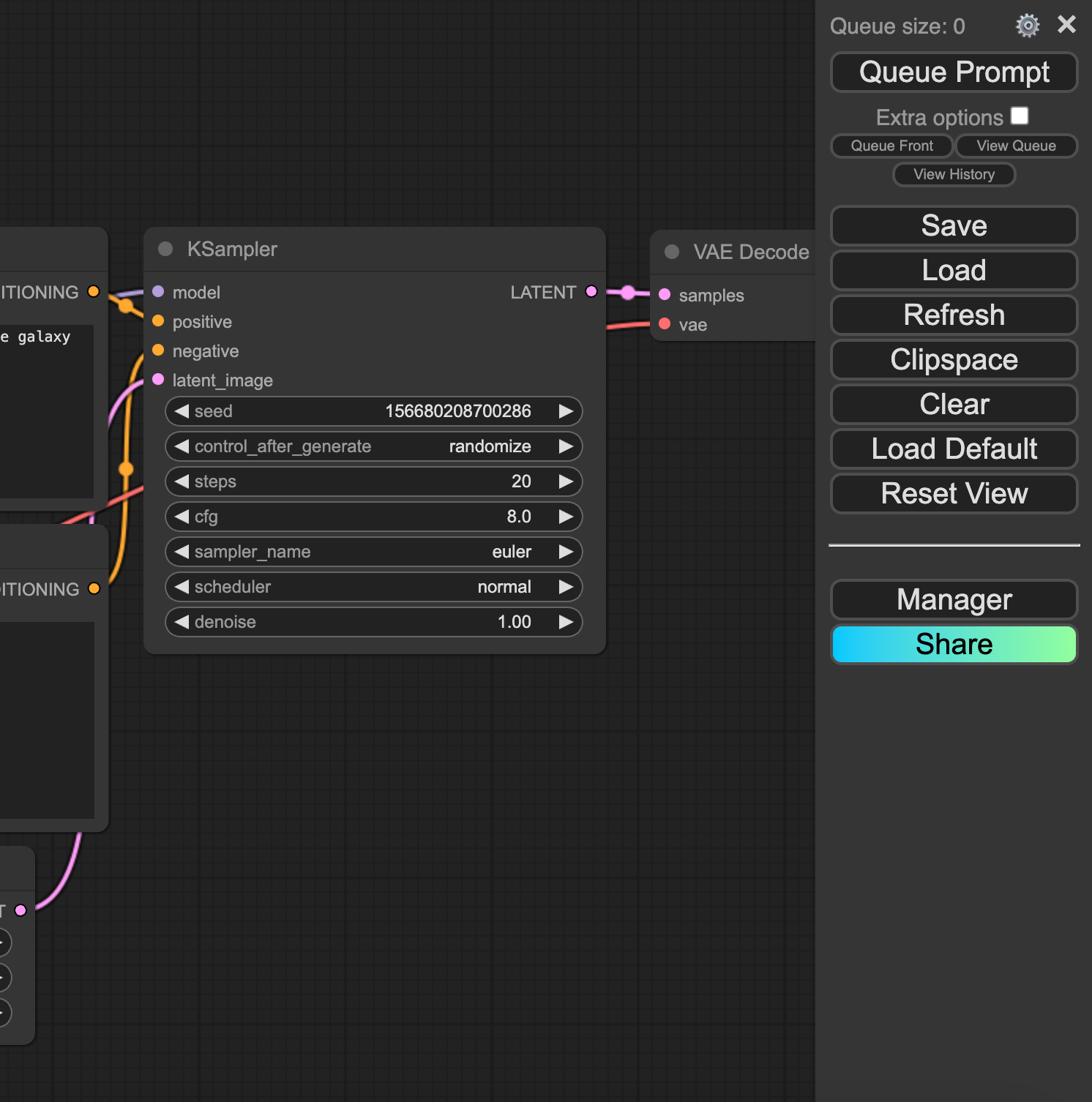
Once the pod is up and running, update it to the latest version (if it looks like the screenshot with the menu on the right, you need to update)
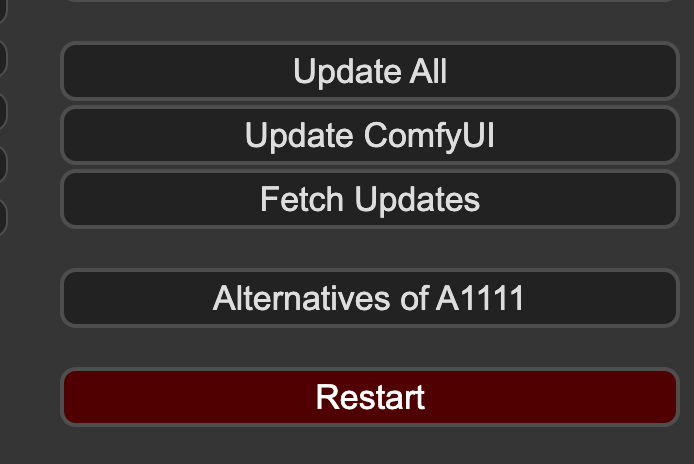
You can update under the Update ComfyUI option on the menu and hit Restart, and then refresh your browser.
This will get you onto the latest version.
Installing LTXVideo Nodes in ComfyUI
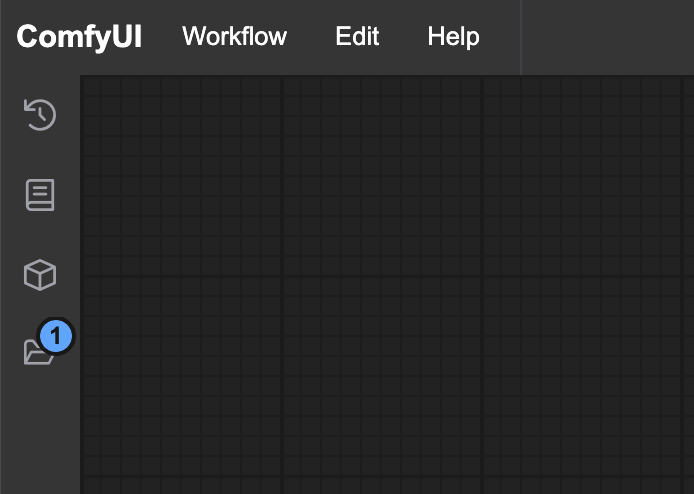
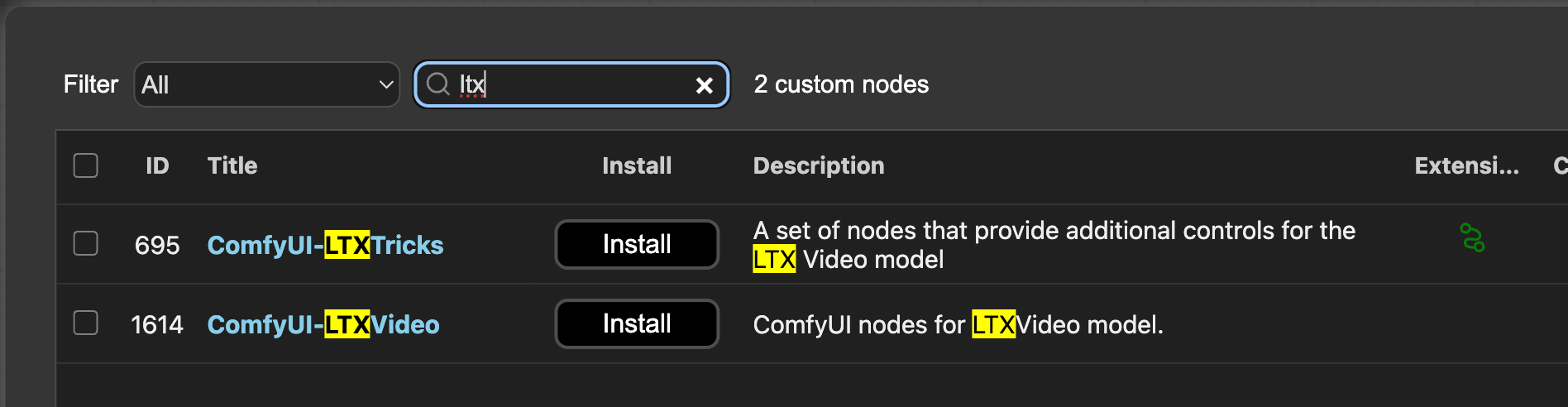
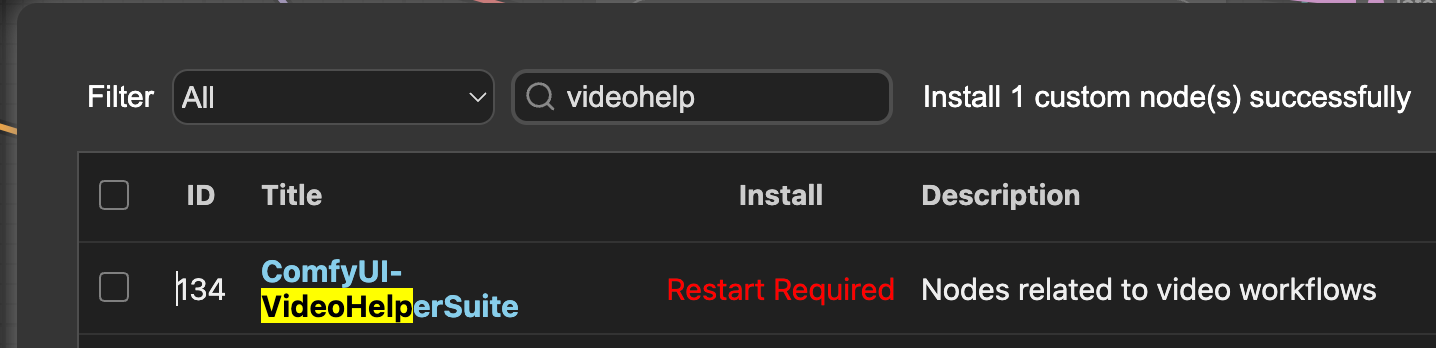
Go to the ComfyUI Manager and install both LTX node groups, and restart again.
Do the same for VideoHelperSuite.
Downloading the LTX Repo
Clone the repo per the instructions. On Runpod, this can be accomplished by:
Connecting to the web terminal and downloading this .safetensors model into your checkpoints directory:
This will download the file through wget (just one file, so it's easier this way.)
Install git-lfs if it's not already installed:
Create a text_encoder folder in your models folder and clone the following repo there. It will appear to hang but it is downloading the repo which consists of about 20GB (git-lfs isn't great about showing a progress meter) You can ignore the comment it makes about Windows.
Creating your video
You're now ready to start creating videos. LTX has two big advantages over other open source video processes at the moment:
It is very fast - it's able to generate videos in real time, though doing this does require some serious compromises in step count and resolution. Nevertheless, it is easily the fastest open source video package.
It comes with text to video, image to video, and video to video right out of the box, which is a rarity with these packages.
You can download all three workflows off of the repo, and just drag them into your ComfyUI window.
While all of the latest crop of open source video packages are able to create state of the art video from just text, LTX is the first capable of generating video in real time or close to it along with a multitude of prompting methods that come ready to use in ComfyUI. We're looking forward to what you create - feel free to show us your renditions on our Discord!
What's new in Runpod Serverless: Faster cold starts, batch inference, and no-Docker deploys
Whether you're already running production endpoints on Runpod or you're sizing us up for the first time, here's a plain-language tour of what Runpod Serverless does today, why it's faster and cheaper than it was six months ago, and how to deploy your first endpoint in minutes.
Beyond the Notebook: The Engineering Realities of Production AI Agents
Shift from stateless inference to stateful architectures to resolve infrastructure bottlenecks like memory management, concurrency limits, and runaway jobs in production AI agents.



.jpeg)