
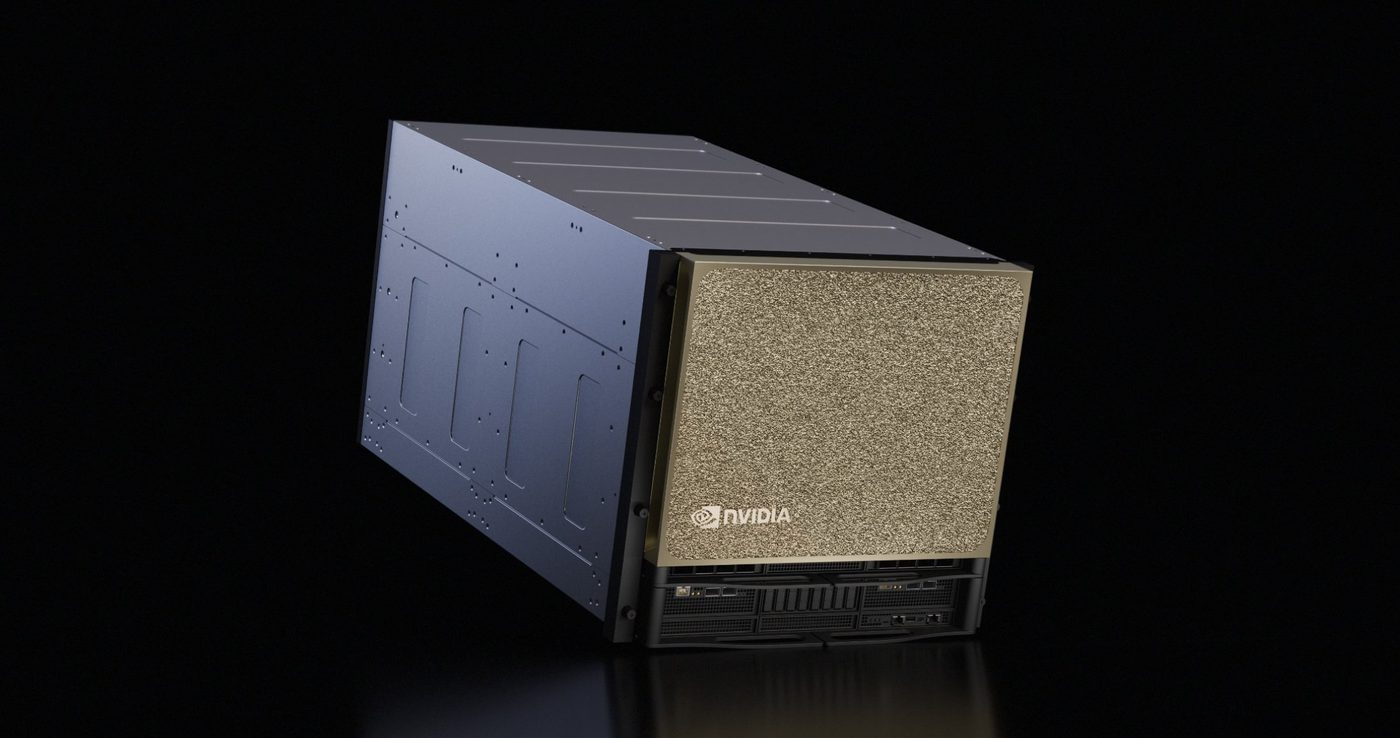
The NVIDIA B300 is the Blackwell Ultra GPU with 288 GB of HBM3e, 8 TB/s of memory bandwidth, and 15 petaFLOPS of dense NVFP4 compute. It has 108 GB more memory and 50% more dense FP4 throughput than the B200, on the same 208-billion-transistor dual-die design. On Runpod, a B300 rents on demand at {{gpu:b300}}/hr on Secure Cloud, billed by the second. It is self-serve from the console, which is unusual for Blackwell Ultra: most providers that have the hardware list it as contact-sales.
This guide covers the B300 price on Runpod, the full Blackwell Ultra spec sheet, what changed from the B200, how it compares with the H200 and H100, where it sits next to the GB300 NVL72 rack, and when the extra memory is worth paying for.
How much VRAM does the B300 have?
The NVIDIA B300 has 288 GB of HBM3e memory with 8 TB/s of bandwidth. That is 3.6x the H100's 80 GB and 60% more than the 180 GB B200 that Runpod offers. The capacity comes from eight 12-high HBM stacks on sixteen 512-bit controllers, an 8,192-bit interface in total. NVIDIA's own comparison quotes 50% more memory than Blackwell because it measures against a 192 GB B200 configuration.
Bandwidth is unchanged from the B200 at 8 TB/s. Blackwell Ultra spends its gains on capacity and compute. If your bottleneck is bandwidth, the B300 will not fix it. If your bottleneck is capacity, a model that will not fit or a KV cache you keep evicting, the extra 108 GB is the whole point.
B300 price on Runpod
Prices checked November 4, 2026 against the Runpod pricing page. Each B300 pod includes 288 GB of VRAM, 251 GB of system RAM and 32 vCPUs per GPU, in 1 to 8 GPU configurations. Billing is by the second, so you pay for the seconds the run actually takes. The B300 GPU model page shows live availability by region.
For comparison on Secure Cloud, the B200 is {{gpu:b200}}/hr, the H200 SXM is {{gpu:h200}}/hr and the H100 SXM is {{gpu:h100-sxm}}/hr. A B300 costs about 2.6x an H100 per hour. Whether that pays depends on whether you can saturate it, which the rest of this guide is about.
NVIDIA B300 specs
Source: NVIDIA, Inside NVIDIA Blackwell Ultra. Tensor Core figures are listed dense and sparse separately because NVIDIA's rack-scale spec sheets quote sparse numbers by default.
B300 vs B200: what Blackwell Ultra changes
The B300 and B200 share a transistor count, a process node and a memory bandwidth figure. Three things separate them.
Memory is the reason the B300 exists. The 12-high HBM stacks add 108 GB per GPU, which is the difference between a model fitting on one card and being split across two.
Dense NVFP4 compute rises from 10 to 15 petaFLOPS. Sparse throughput is unchanged at 20 petaFLOPS, so the gain is specific to dense inference, which is what most production serving actually runs.
Attention throughput roughly doubles. The special function units that compute the exponentials inside softmax run at 10.7 TeraExponentials per second against 5 on the B200. On long-context reasoning workloads, softmax is often where the latency goes, and this is the least-discussed and most useful difference between the two cards.
FP8 throughput is identical on both at 5 petaFLOPS dense. If your stack has not moved to NVFP4, the B300's compute advantage does not reach you and you are paying for the memory alone. The B200 guide covers the Blackwell baseline in the same depth.
B300 vs H200 and H100
Against the H200: 288 GB versus 141 GB, and 8 TB/s versus 4.8 TB/s. The H200 is a memory upgrade on the Hopper die. The B300 is two architecture steps ahead of it, with NVFP4 and fifth-generation NVLink. See the B200 vs H200 comparison for the Hopper-to-Blackwell baseline.
Against the H100: 3.6x the memory and 2.4x the bandwidth. NVIDIA puts Blackwell Ultra's NVFP4 throughput at 7.5x the FP8 throughput of the H100 and H200.
On price, a B300 is {{gpu:b300}}/hr against {{gpu:h100-sxm}}/hr for an H100 SXM on Secure Cloud. For a model that fits in 80 GB, the H100 wins on cost per hour. For a model that needs three H100s worth of memory, one B300 removes two tensor-parallel splits and the interconnect traffic that comes with them.
B300 vs GB300 NVL72, HGX B300 and DGX B300
NVIDIA sells the same Blackwell Ultra silicon in four packages, and the names get mixed up in search results.
- B300 is the GPU itself, an SXM module with 288 GB of HBM3e.
- HGX B300 is the eight-GPU baseboard that server vendors build around. Eight B300s on a fifth-generation NVLink switch, 2,304 GB of memory in one node. This is the form factor behind an 8xB300 pod on Runpod.
- DGX B300 is NVIDIA's own eight-GPU server built on HGX B300, sold as a complete appliance.
- GB300 NVL72 is the liquid-cooled rack: 36 Grace Blackwell Ultra Superchips, which means 72 B300 GPUs and 36 Grace CPUs in a single 130 TB/s NVLink domain, about 20 TB of GPU memory and roughly 1.1 exaFLOPS of dense FP4 (72 x 15 petaFLOPS).
Runpod offers B300 pods from one to eight GPUs, so you get HGX B300-class nodes by the second without buying a server. For workloads that need more than one node, Clusters connect multiple B300 nodes for distributed training and inference. Runpod does not offer GB300 NVL72 racks as a product.
When to use a B300
The clearest case is a model that does not fit anywhere else. In August 2026, Runpod's Brendan McKeag deployed Kimi K3, a 2.8-trillion-parameter model whose 4-bit checkpoint is 1,560.94 GB across 96 safetensors shards, on a single 8xB300 pod. The eight B300s provide 2,304 GB of HBM3e. An 8xH100 node (640 GB) and an 8xB200 node (1,536 GB) both fail to load it. With a BF16 KV cache, the pod served 128K context with 16 concurrent sequences using vLLM. The alternative on B200 is 16 GPUs across two nodes.
The B300 is the right call when:
- Your model does not fit in 180 GB at the precision you need.
- You are serving long-context or reasoning models where KV cache, not weights, is what fills the card.
- Your inference stack runs NVFP4, so the 50% dense compute gain is reachable.
- Consolidating two B200s onto one B300 removes a tensor-parallel split and the interconnect overhead that comes with it.
Something smaller is the better buy when:
- Your model fits comfortably in 180 GB. The B200 is {{gpu:b200}}/hr on Secure Cloud and does the same work for less.
- You are bandwidth-bound rather than capacity-bound, since both cards sit at 8 TB/s.
- You are running FP8 and have no NVFP4 path, which erases most of the compute difference.
- Your workload fits in 141 GB, where the H200 at {{gpu:h200}}/hr on Secure Cloud is materially cheaper.
Rent a B300 on Runpod
Blackwell Ultra keeps full CUDA compatibility. vLLM, SGLang and TensorRT-LLM support it with NVFP4 kernels, so moving a working stack across is a version bump. The B300 appears in the Runpod catalog as NVIDIA B300 SXM6 AC.
- Pods: {{gpu:b300}}/hr on Secure Cloud, billed per second, 1 to 8 GPUs per pod.
- Clusters: multi-node B300 capacity for distributed training and large-model inference. Contact sales for reserved capacity.
- Network volumes: persistent storage for weights and checkpoints at $0.07/GB/mo under 1 TB and $0.05/GB/mo above it on standard storage, or $0.14/GB/mo on high-performance storage. One volume can be shared across pods, so you stage a large model once.
- Templates: pre-built PyTorch and vLLM environments with CUDA already configured.
- Flexibility: move between B300, B200, H200, H100 and the rest of the catalog without hardware lock-in.
B300 FAQs
How much VRAM does the B300 have?
288 GB of HBM3e with 8 TB/s of bandwidth. That is 108 GB more than the 180 GB B200 on Runpod and 3.6x the H100's 80 GB.
How much does it cost to rent a B300?
On Runpod, {{gpu:b300}}/hr on Secure Cloud, billed by the second. Each pod includes 288 GB of VRAM, 251 GB of RAM and 32 vCPUs per GPU. Multi-node B300 capacity is available through Clusters.
Is the NVIDIA B300 available now?
Yes. NVIDIA announced Blackwell Ultra at GTC in March 2025 and systems began shipping in mid-2025. On Runpod, B300 pods are available on demand, and supply for the newest Blackwell generation fluctuates, so the GPU model page shows live availability by region.
What is the difference between the B300 and B200?
Same transistor count, same process, same 8 TB/s bandwidth. The B300 adds 108 GB of memory, 50% more dense NVFP4 compute, and about double the attention-layer throughput. If your model fits in 180 GB and you are not running NVFP4, the B200 is the better value.
What is Blackwell Ultra?
Blackwell Ultra is the second generation of NVIDIA's Blackwell architecture. It keeps the dual-die design and 208 billion transistors, and raises HBM capacity to 288 GB, dense NVFP4 throughput to 15 petaFLOPS, and softmax execution speed to 10.7 TeraExponentials/s. The B300 is the GPU. GB300 refers to the Grace Blackwell Ultra rack-scale systems built from it.
What is NVFP4?
NVFP4 is a 4-bit floating-point format introduced with Blackwell. It applies two levels of scaling, an FP8 micro-block scale across 16 values plus a tensor-level FP32 scale. NVIDIA reports accuracy often within about 1% of FP8, with memory footprint reduced by about 1.8x against FP8 and up to 3.5x against FP16.
What is the difference between the B300 and GB300 NVL72?
The B300 is a single GPU. GB300 NVL72 is a liquid-cooled rack containing 36 Grace Blackwell Ultra Superchips, 72 B300 GPUs alongside 36 Grace CPUs, reaching about 1.1 exaFLOPS of dense FP4. Runpod offers individual B300 pods and multi-node Clusters, which gives you the same silicon without buying a rack.


