
Which GPU should you actually use for embedding workloads?
Selecting the right serving engine for your embedding model can dramatically outperform hardware upgrades, yielding up to an 11x throughput increase on the same GPU.
All
 Skip to main content
Blog
Deploy Google’s Gemma 7B model using vLLM on Runpod Serverless in just minutes. Learn how to optimize for speed, scalability, and cost-effective AI inference.


Google’s Gemma 7B is the latest iteration of Google’s powerful open-source language models. It offers a robust balance between performance and efficiency, making it ideal for various use cases. While smaller than some of its larger counterparts, the Gemma 7B model provides strong capabilities without overburdening computational resources. This model performs well in benchmark tests, making it a solid choice for many applications.

To run our Google Gemma 7B model, we'll utilize vLLM, an advanced inference engine designed to enhance the performance of large language models. Here’s why vLLM is an excellent choice:
The key to vLLM’s impressive performance lies in its memory management algorithm called PagedAttention. This technique optimizes how the model’s attention mechanism interacts with system memory, leading to significant speed improvements. For more details on PagedAttention, you can check out our dedicated blog on vLLM.
Follow this step-by-step guide with screenshots to run inference on Google Gemma 7B with vLLM in just a few minutes. This guide can also be applied to any large open-source language model—just swap in the model name and Hugging Face link in the code.
Pre-requisites:
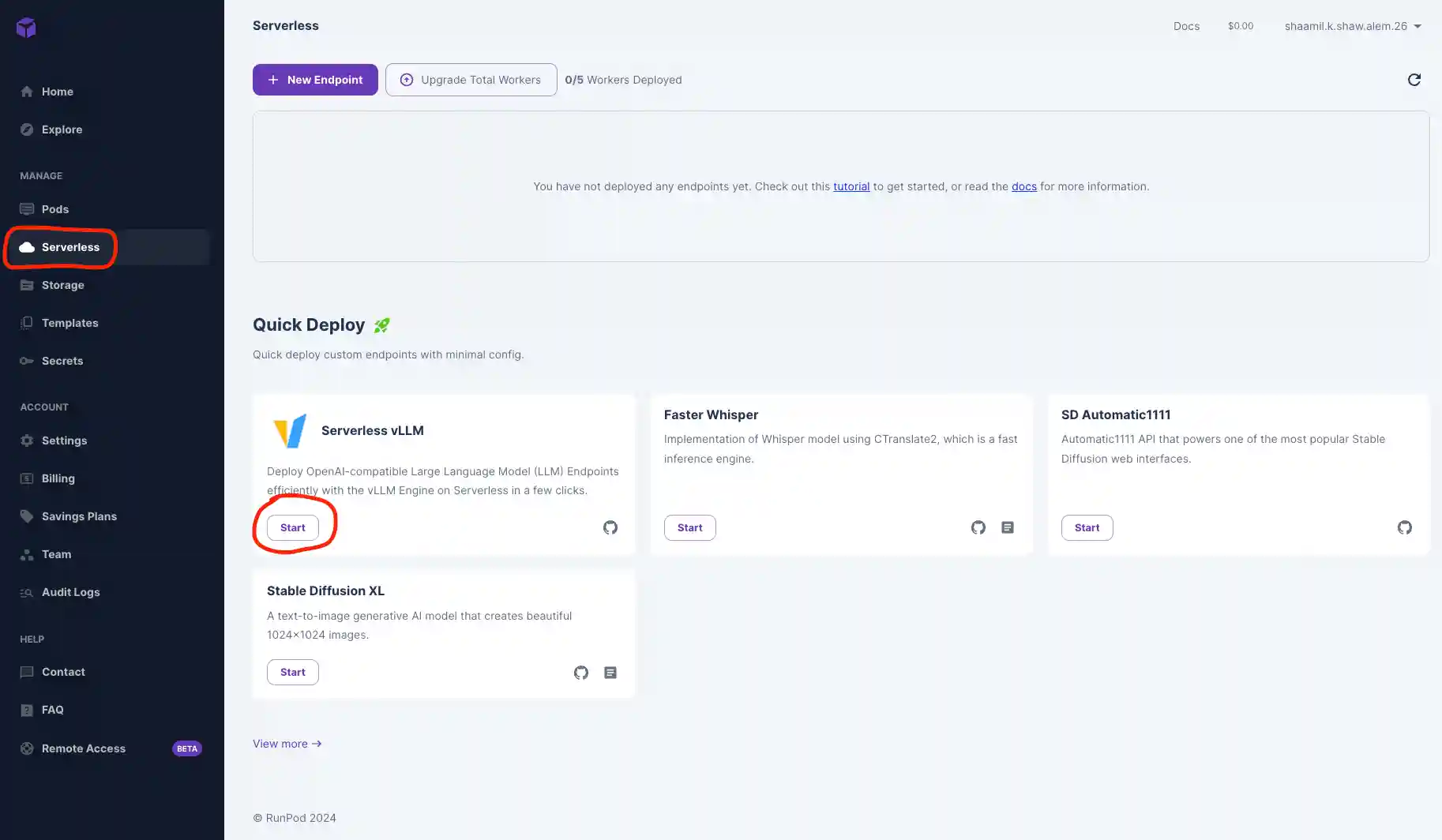
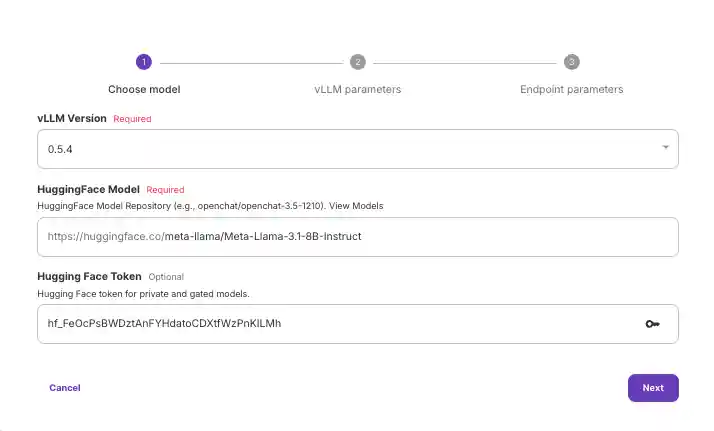
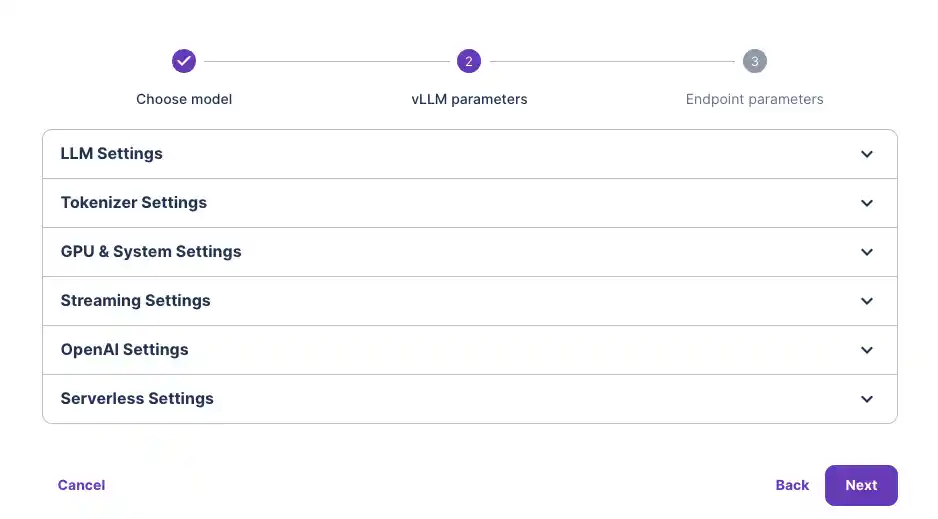
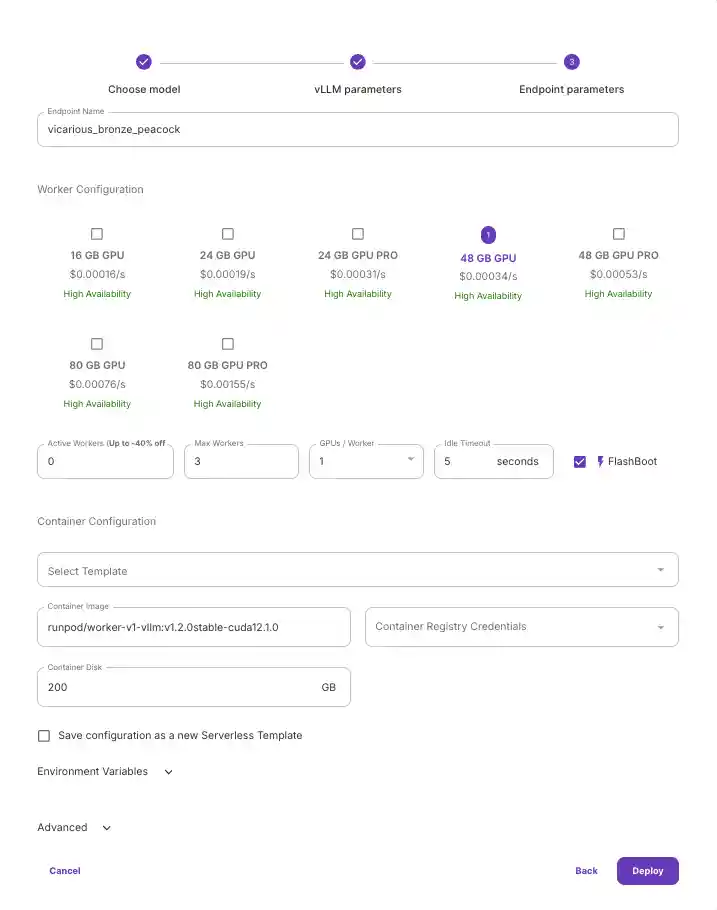
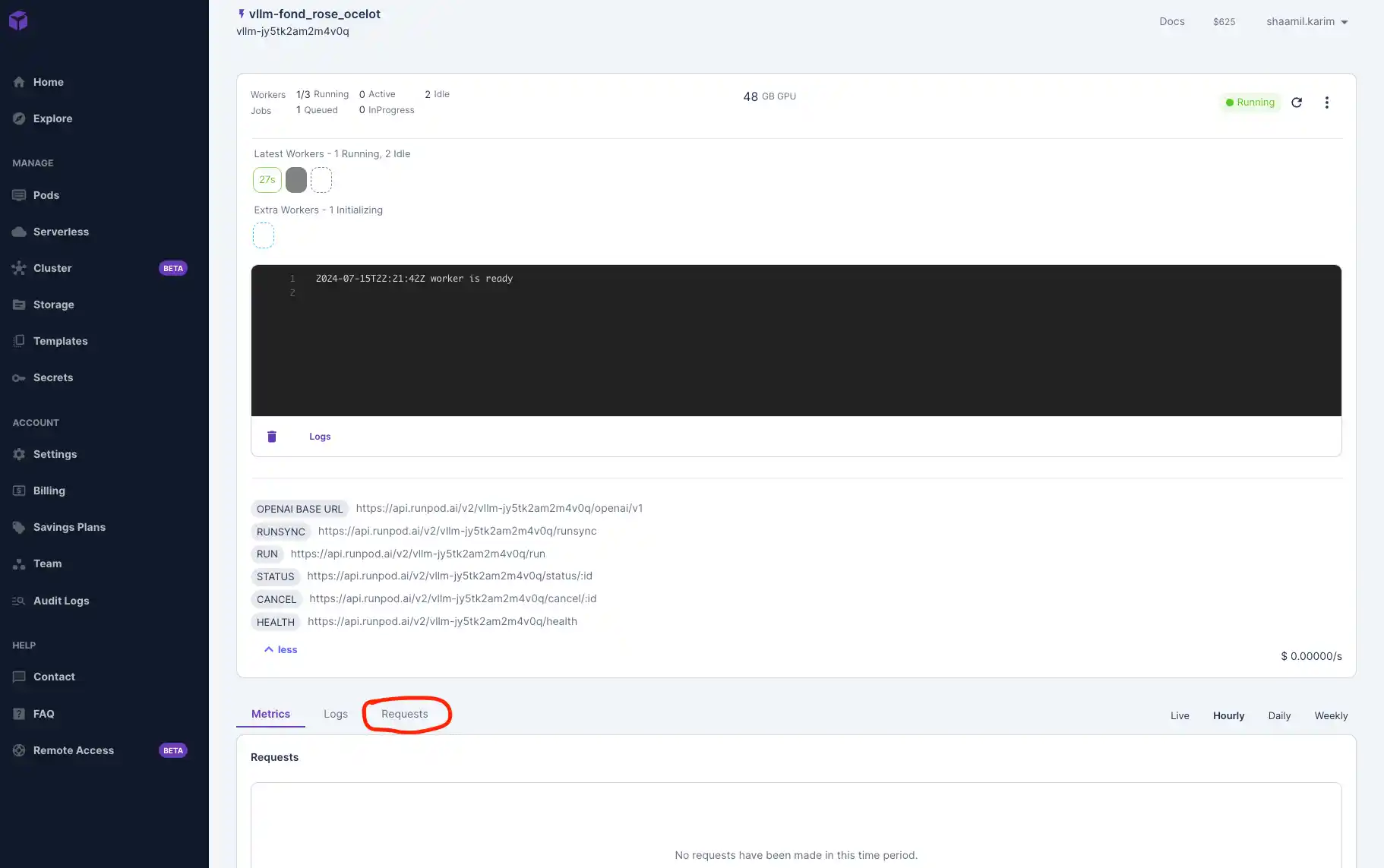
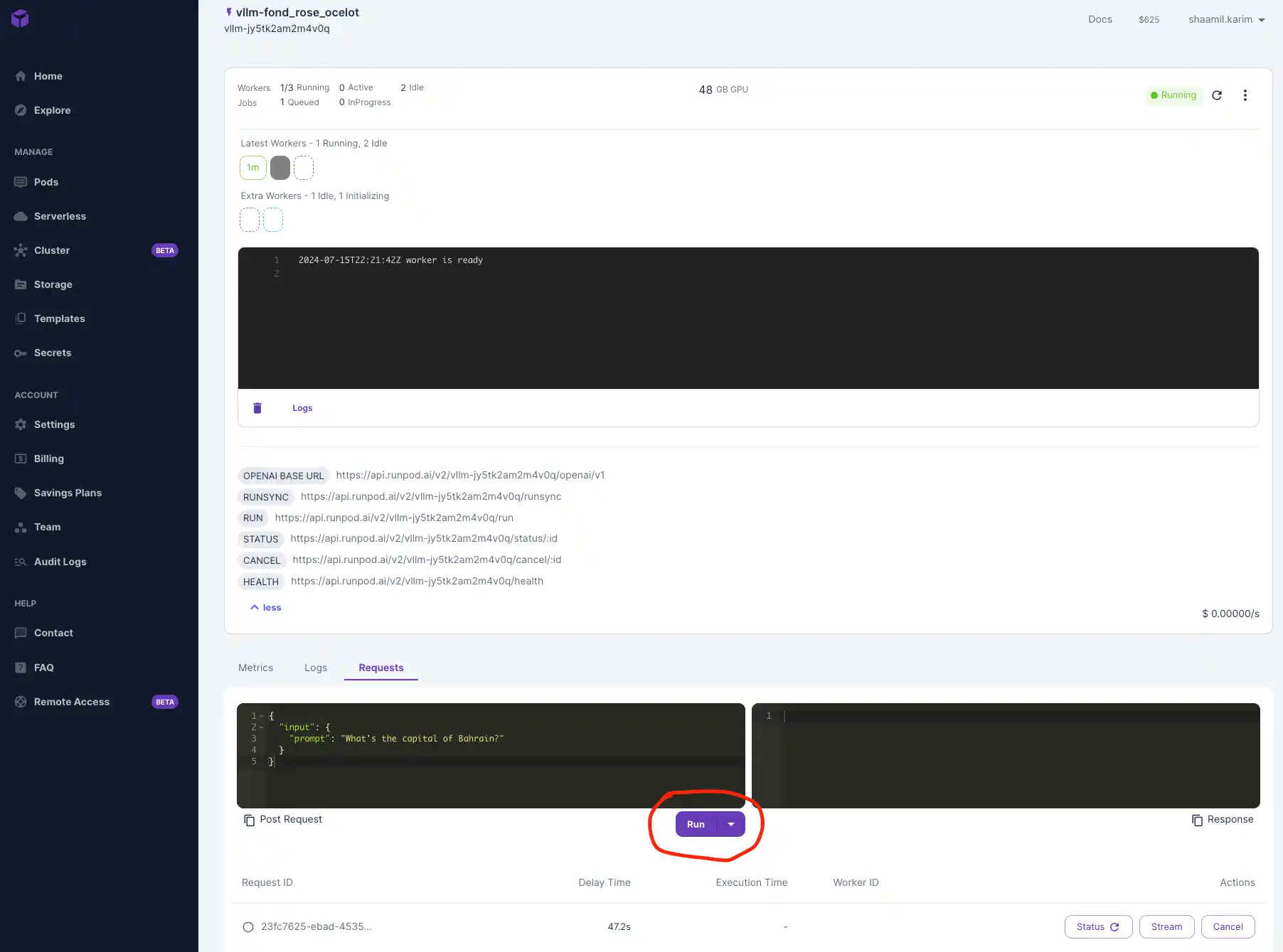
Once your model is deployed, navigate to the "Requests" tab to test that it's working. Input a prompt and click Run to see your outputs below.
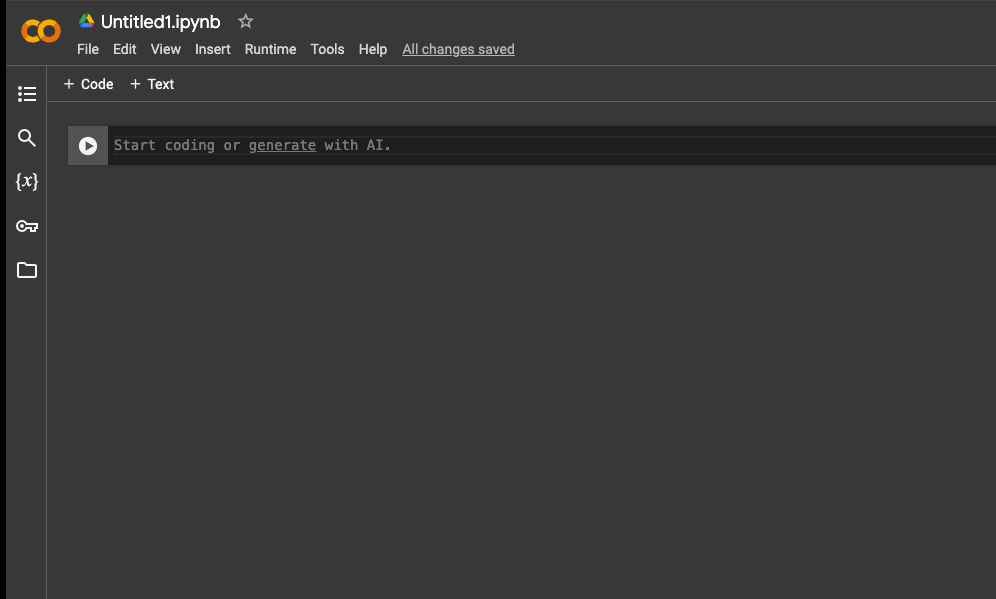
We'll use Google Colab to test our Gemma 7B model by connecting to the serverless endpoint. Colab offers a free, cloud-based Jupyter notebook environment, making it easy to send requests and manage deployments without setting up local resources.
vLLM is compatible with OpenAI’s API, so we'll interact with it similarly to OpenAI’s models. You can also use other development environments like Visual Studio Code (VSCode) or any IDE that can make HTTP requests.
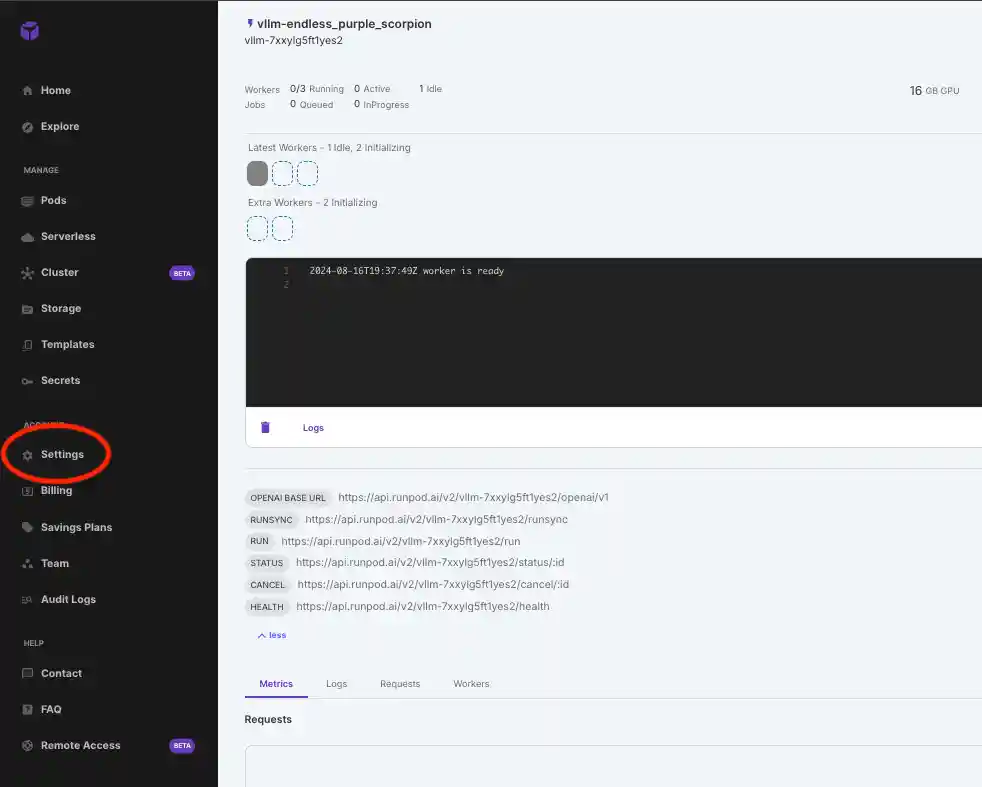
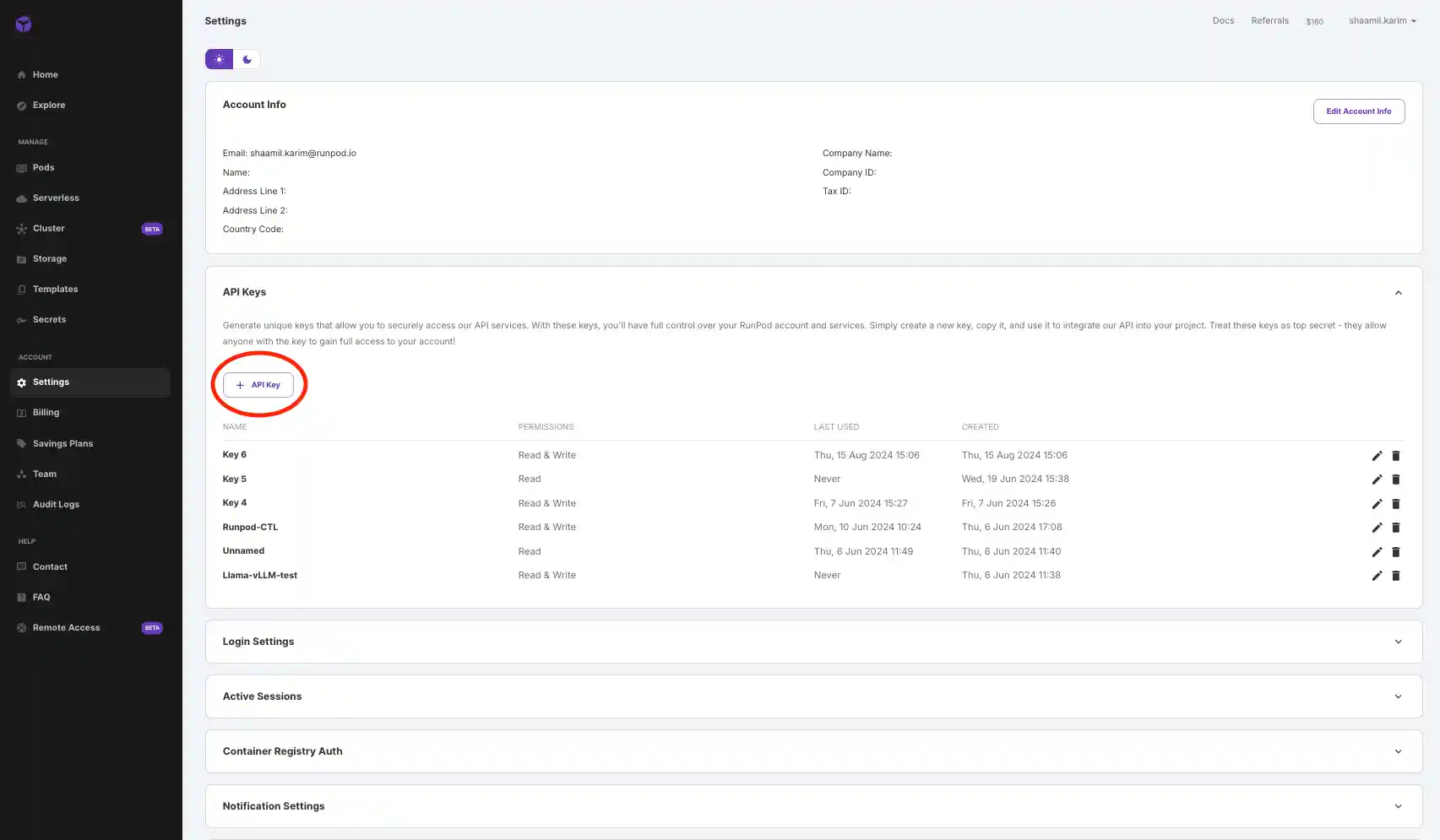
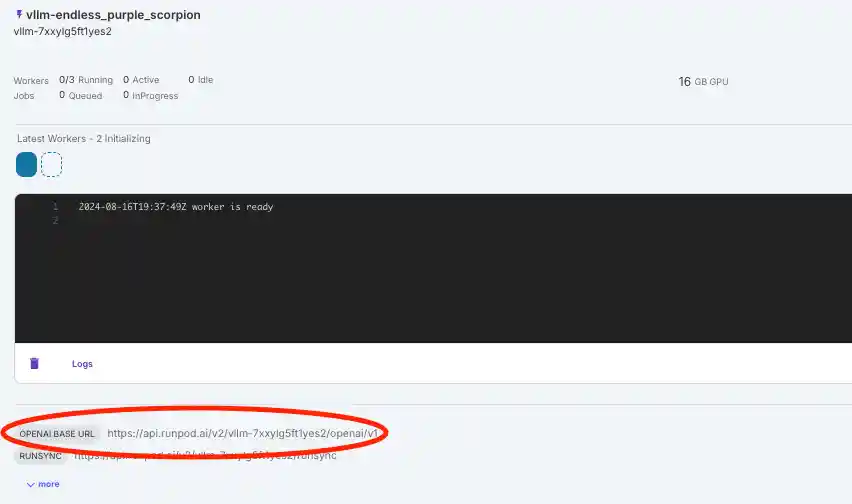
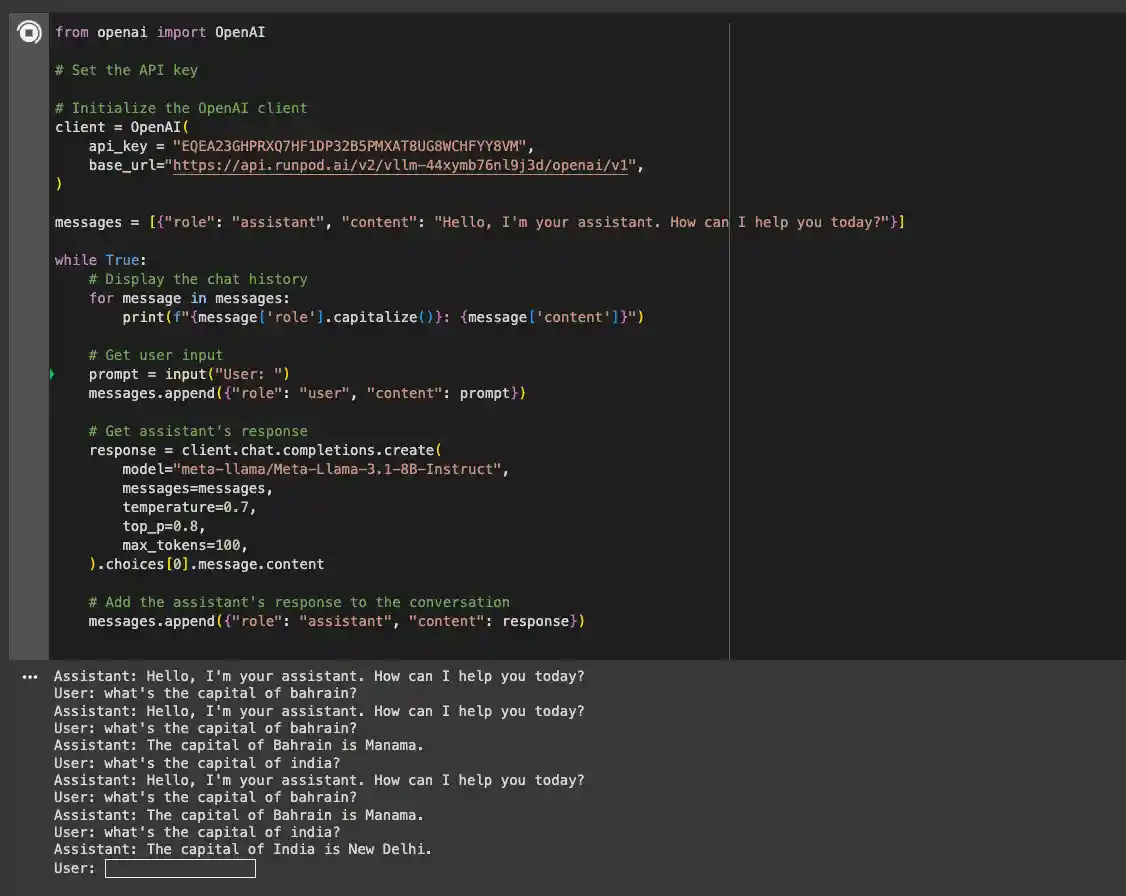
Paste the following code into the notebook and insert your API key and base URL:
Install the necessary OpenAI libraries to interact with your model using the following pip command:
Now, you can run the notebook and interact with the model. The first response might take a few minutes while the model is loaded, but subsequent requests will be faster.
In this blog, we’ve explored the capabilities of Google’s Gemma 7B model and how to deploy it using vLLM on Runpod’s serverless infrastructure. The combination of the powerful Gemma 7B model and vLLM’s efficient performance makes this setup ideal for a wide range of applications, offering both speed and cost-effectiveness.
Get started with your Gemma 7B deployment on Runpod today using the quick deploy option!
Author profile: Shaamil Karim
Blog Posts