How to use Kimi K3.1 Pro and K3.1 Pro Highspeed on Runpod
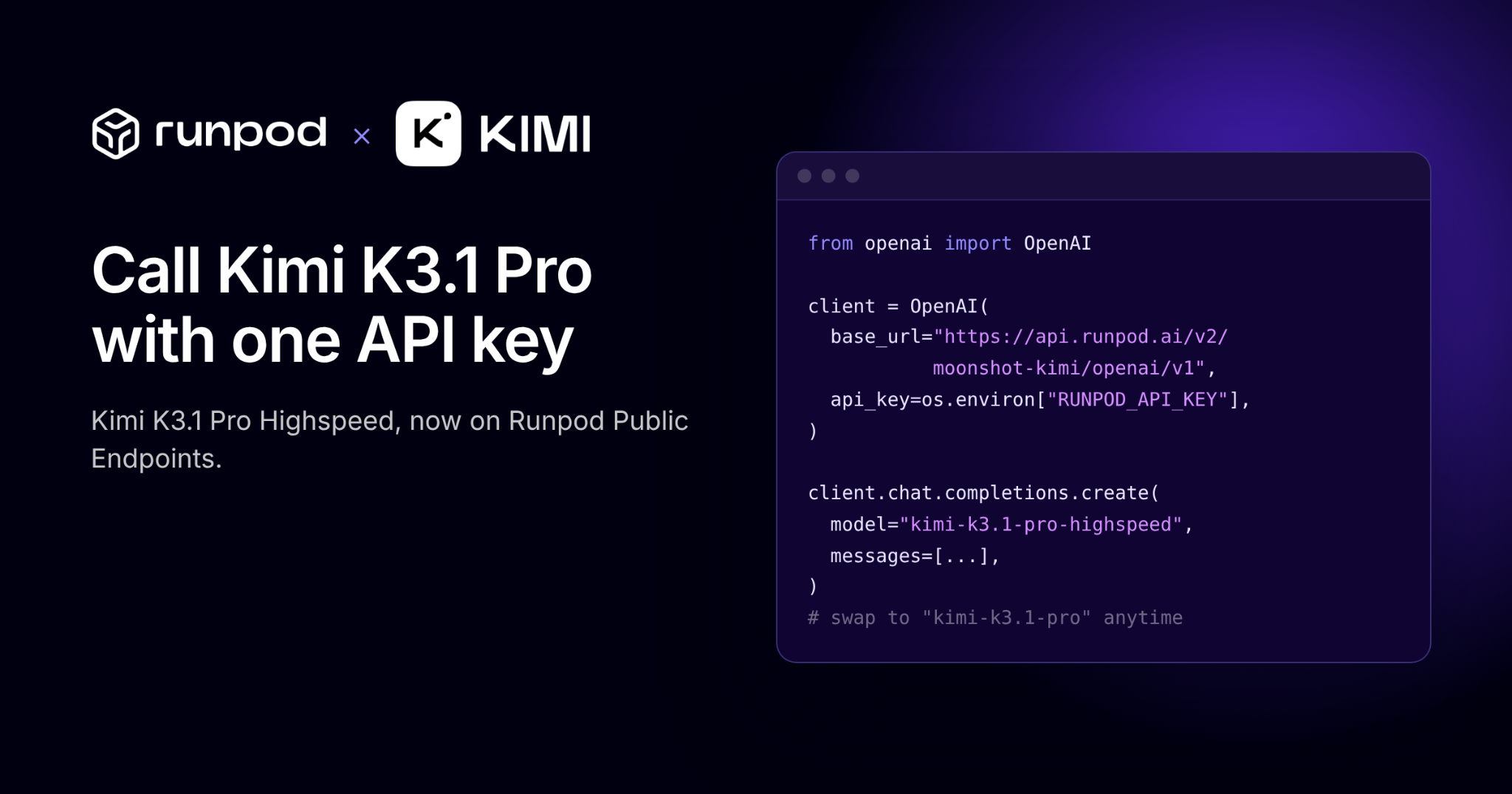
Moonshot AI's Kimi K3.1 Pro and K3.1 Pro Highspeed are now available on Runpod Public Endpoints. Here's how to get started with the Playground, curl, and Python.
Moonshot AI recently released Kimi K3.1 Pro and Kimi K3.1 Pro Highspeed. Through our partnership with them, you can now access these endpoints on Runpod via our public endpoints. This blog post walks you through how to get started with these endpoints using the Playground in the console, a curl request, and Python.
Kimi K3.1 Pro is the first model in the new K3.1 series and Moonshot’s most capable 3T-class open-weight model yet, featuring a 1-million-token context window. It brings substantial improvements in coding, 3D creation, financial research, and other agentic capabilities.
Kimi K3.1 Pro Highspeed is 2-3 times faster than K3.1 Pro, enabling more responsive interactions.
K3.1 Pro is built for long-horizon tasks like coding a full project. Agent loops are sensitive to latency, which is why we made Highspeed. When the model responds two to three times faster, an agent gets through more steps in the same amount of time. With both on one Runpod endpoint, developers can choose per request.
Your machine needs outbound HTTPS (port 443) access to api.runpod.ai. On a corporate or restricted network, confirm that a proxy or firewall isn’t blocking it.
curl is installed. Most macOS, recent Windows, and all Linux systems ship with it. Verify with curl --version.
jq is installed. This is needed to pretty-print or filter the JSON response. Install via brew install jq for macOS, apt install jq (Debian/Ubuntu), or winget install jqlang.jq for Windows.
Python 3.9 or higher is required to run the Python example.
You will also need the OpenAI client to run the Python example. To install it you can run python -m pip install openai.
Using the Playground
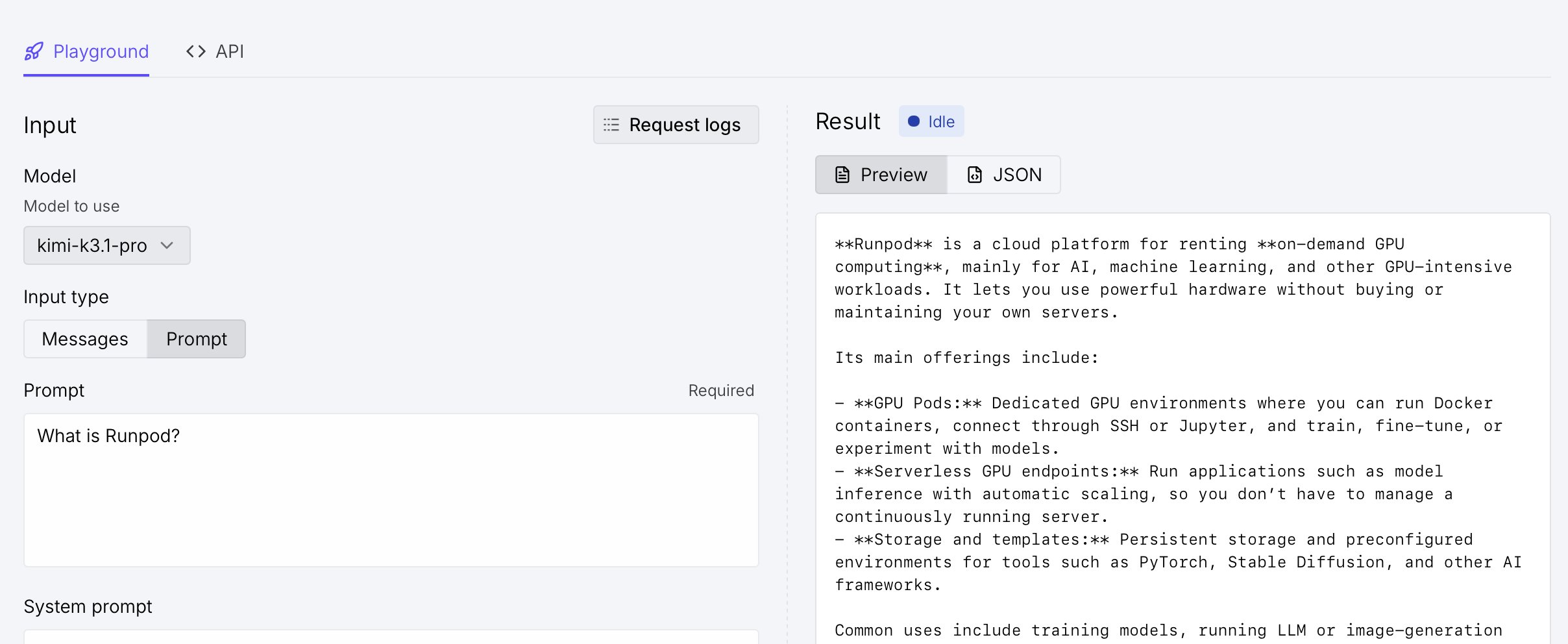
A great way to get started is to use our playground in the Runpod console. If you click on The Hub and then under “Public Endpoints,” you will see a listing for “moonshot / Kimi.”
Under “Model,” you can easily adjust and toggle between Kimi K3.1 Pro and Kimi K3.1 Pro Highspeed. From there, you can also edit the system prompt and user messages, adjust additional settings like max tokens, temperature, and reasoning. Once you have the settings as you’d like them, press “Run.”
cURL
In your terminal, you will want to first set your environment variable.
export RUNPOD_API_KEY="YOUR_API_KEY"
From there, you can use a script that sends a prompt to the Kimi model on Runpod, using the API key stored in $RUNPOD_API_KEY. It captures the job ID from the response and then polls the job’s status every 2 seconds. Once the job completes, it prints the model’s output. If the job fails, is canceled, or times out, it prints an error and exits.
Depending on the model you want to use, you can use "model": "kimi-k3.1-pro" or "model": "kimi-k3.1-pro-highspeed".
The result you get back should look similar to the following:
Status: IN_PROGRESS. Waiting...
[
  {
    "cost": 0.003024,
    "result": {
      "choices": [
        {
          "finish_reason": "stop",
          "index": 0,
          "message": {
            "content": "**Runpod** is a cloud computing platform that provides on-demand access to **GPUs**, primarily for AI and machine-learning workloads.\n\nIts main offerings include:\n\n- **GPU Pods:** Virtual machines with GPUs for tasks such as training models, running experiments, or processing data.\n- **Serverless GPU:** Deploy models as APIs that automatically scale with demand, so you don’t have to manage the underlying servers.\n- **Model deployment and inference:** Run generative AI, large language models, image-generation models, and custom applications.\n- **Storage and development tools:** Persistent volumes, templates, and container support for configuring reproducible environments.\n\nPeople use Runpod as an alternative to traditional cloud providers because it is relatively easy to start, supports many GPU types, and generally uses pay-as-you-go pricing. In short: it lets you rent GPU computing power without buying and maintaining expensive hardware.",
            "reasoning_content": "I should respond to user asks what is Runpod. Keep it concise and clear. Explain cloud GPU platform for AI/ML, rent GPUs, serverless inference, pods, deploy models, pay as go, use cases. Perhaps founded? No need. Avoid unverified specifics. Could mention alternative to AWS specialized. I'll respond likely straightforward. I can include main offerings and example. No tools are needed. Respond around 2 paras bullets.",
            "role": "assistant"
          }
        }
      ],
      "created": 1793245342,
      "id": "chatcmpl-6ae2c09eaf59fd5d7a6b343d",
      "model": "kimi-k3.1-pro",
      "object": "chat.completion",
      "usage": {
        "completion_tokens": 281,
        "completion_tokens_details": {
          "reasoning_tokens": 89
        },
        "prompt_tokens": 107,
        "prompt_tokens_details": {
          "cache_write_tokens": 0
        },
        "total_tokens": 388
      }
    }
  }
]
Python
Since this endpoint is OpenAI compatible, you can use the OpenAI SDK directly, using the API key environment variable you created in the previous step. You can also swap out either the kimi-k3.1-pro or the kimi-k3.1-pro-highspeed model.
What’s happening in this code sample is that it sends a prompt to the Kimi model hosted on Runpod, using an API key stored in an environment variable. It waits for the model’s response and prints the generated text.
import os

from openai import OpenAI

client = OpenAI(
    base_url="https://api.runpod.ai/v2/moonshot-kimi/openai/v1",
    api_key=os.environ["RUNPOD_API_KEY"],
)

completion = client.chat.completions.create(
    model="kimi-k3.1-pro-highspeed",
    messages=[
        {"role": "system", "content": "You are Kimi."},
        {"role": "user", "content": "What is Runpod?"},
    ],
    max_tokens=2048,
    temperature=1,
    reasoning_effort="low",
)

print(completion.choices[0].message.content)
Conclusion
Kimi K3.1 Pro on Public Endpoints is one way to see what Moonshot AI and Runpod are building together. Open the Kimi listing under Public Endpoints in the Runpod console to run your first prompt in the Playground, or drop the Python example into your own code.
Watch Feihu Tang from Moonshot AI and Chris Vela from Runpod build with Kimi K3.1 on Runpod.